Rakuten TV is a comprehensive streaming application that offers users access to a wide selection of movies, TV shows, and live channels across various genres and languages, allowing viewers to enjoy both on-demand content and real-time broadcasts from the comfort of their devices. Designed for entertainment seekers who value flexibility and variety, Rakuten TV brings together an extensive library of global titles, ranging from blockbuster films and critically acclaimed series to niche documentaries and regional programming.
Key Features
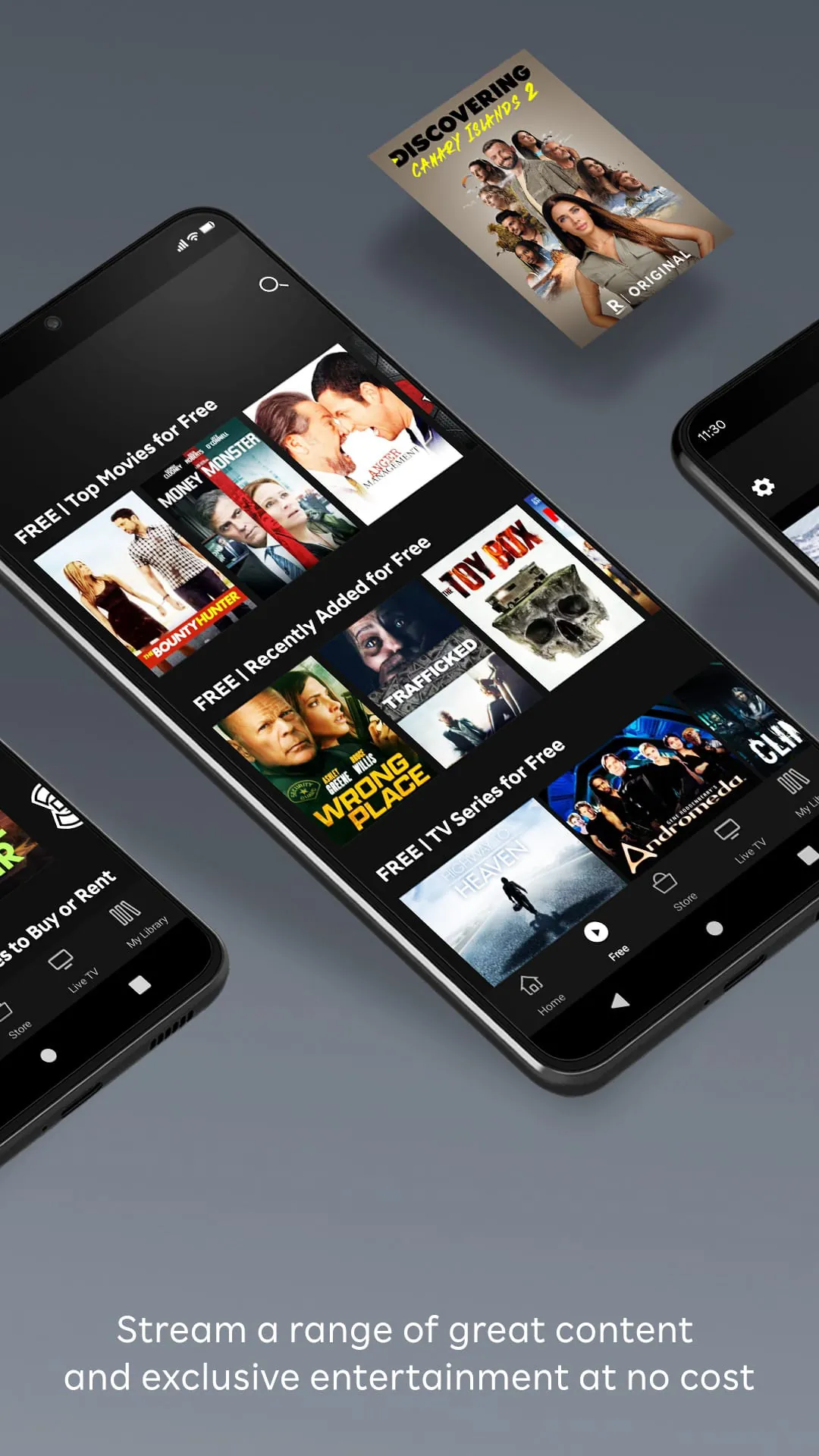
- Access to thousands of movies and TV series available for rent, purchase, or free streaming with ads.
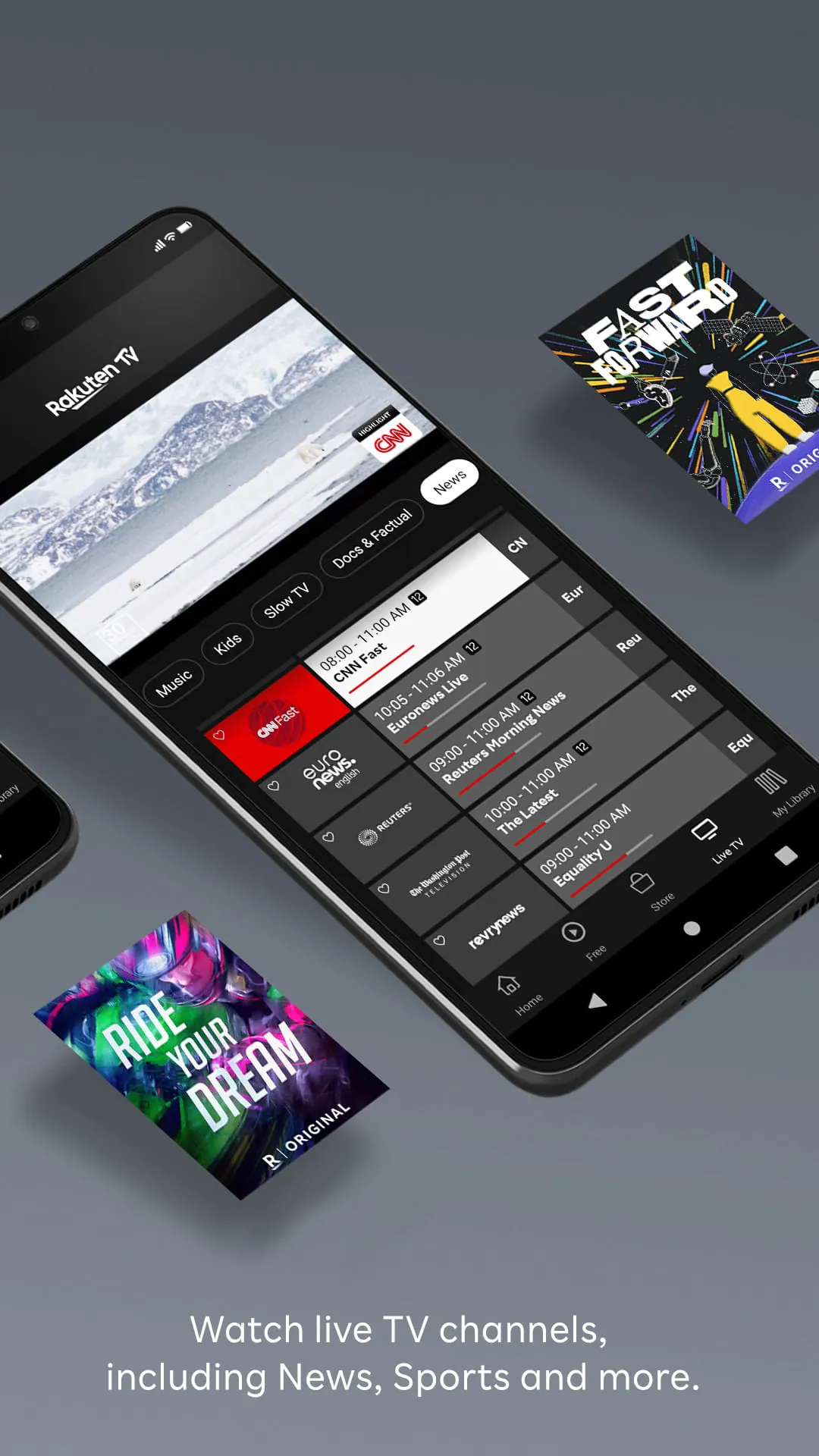
- Live TV channels covering sports, news, entertainment, and cultural content.
- Multi-device compatibility including smart TVs, smartphones, tablets, and web browsers.
- Personalized recommendations based on viewing history and preferences.
- Support for multiple languages and subtitles to cater to international audiences.
- Offline viewing options for purchased or rented content.
Pros & Cons
- Pros:
- Wide variety of content including exclusive releases and hard-to-find titles.
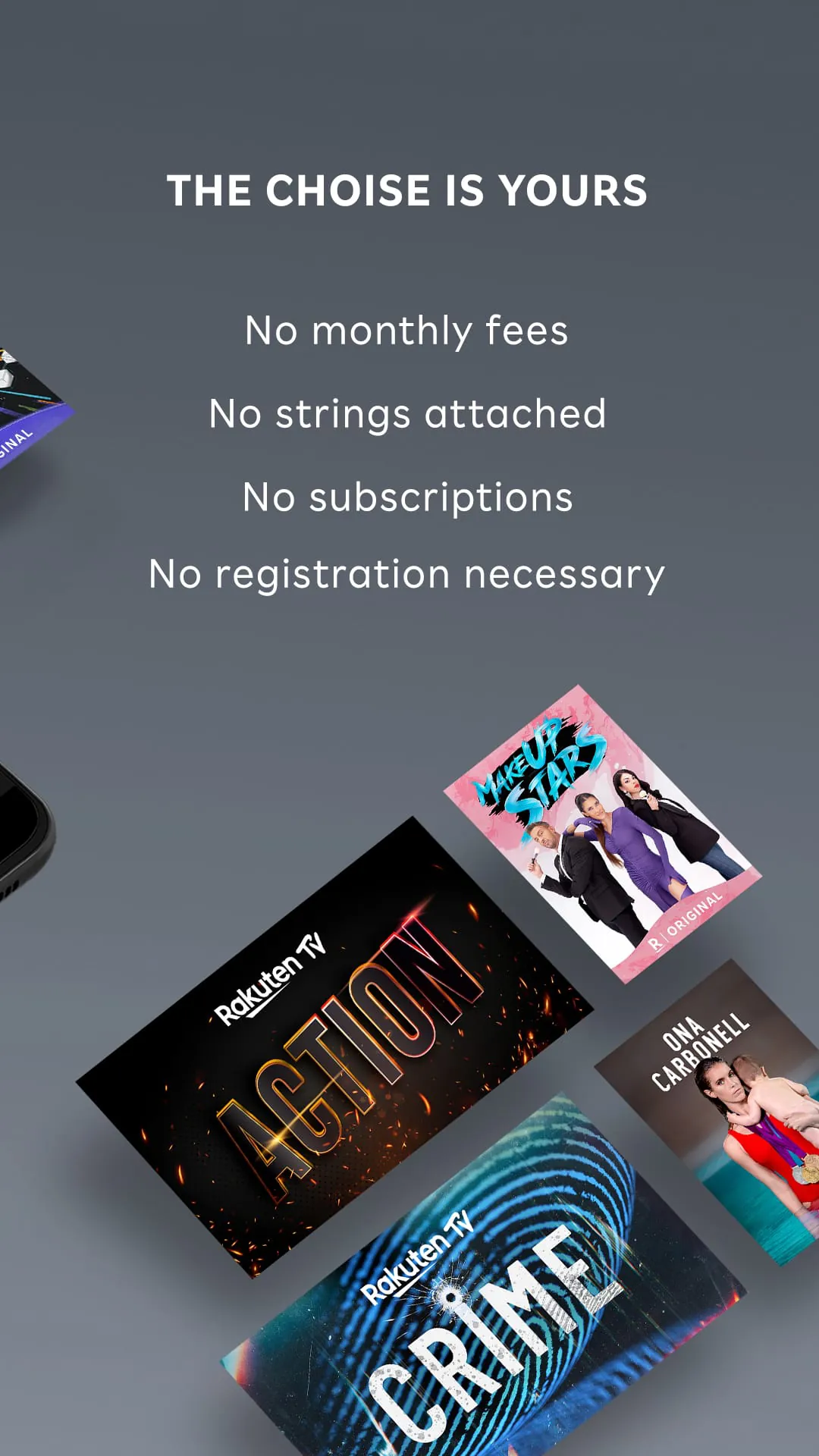
- Flexible pricing models such as pay-per-view and free ad-supported streaming.
- User-friendly interface with intuitive navigation.
- Regular updates with new movies and shows added frequently.
- Cons:
- Some content requires additional payment even within subscription plans.
- Limited availability in certain regions due to licensing restrictions.
- Occasional streaming quality fluctuations depending on internet speed.
Functions
- Search and browse functionality to quickly find desired titles.
- Watchlist creation to save movies and shows for later viewing.
- Resume playback feature that lets users continue watching from where they left off.
- Parental controls to manage content accessibility for younger viewers.
- Integration with external devices like Chromecast and AirPlay for bigger-screen experiences.
- Account management tools for tracking orders, rentals, and viewing history.
How to Use
Click the button "Check All Versions" below to download and install it. After installation, open the app and sign up for a free account or log in if you already have one. You can start exploring the catalog immediately, browsing through categories or using the search bar to locate specific titles. For rented or purchased content, follow the prompts to complete payment securely within the app. To watch live TV, simply select the “Live” section and choose your preferred channel. Adjust settings such as subtitles, video quality, and notifications in the account menu to personalize your experience further.





 APK
APK  Google Play
  iOS
iOS  3.80
3.80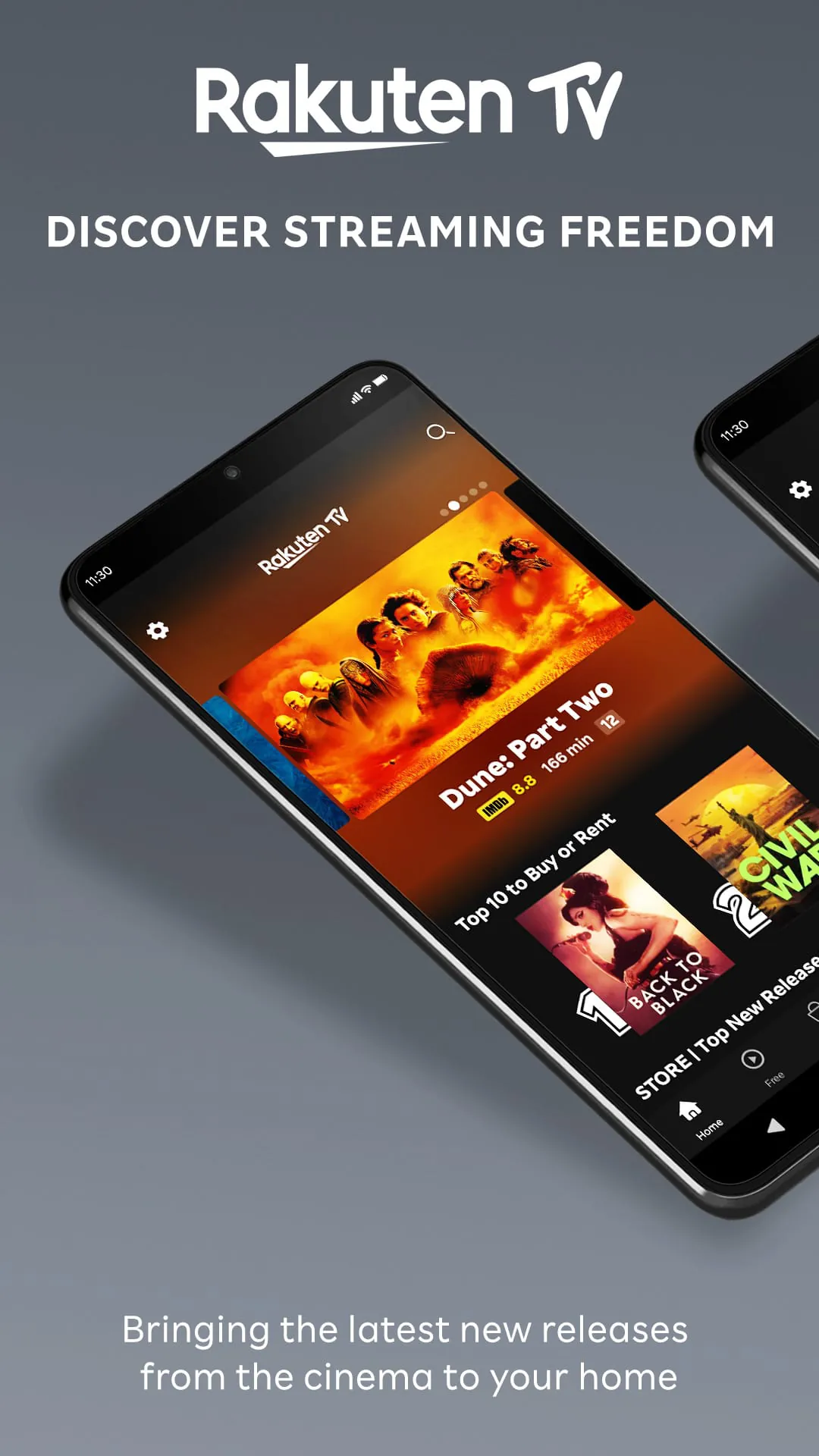
 Download








