


V4.21.2

- Package Name
- com.varomoney.bank
- Version Name
- V4.21.2
- Version Code
- V4.21.2
- File Size
- 64.77 MB
- Update time
- 2025-12-23



by Varo Bank, N.A.
Early payday & cash advances with no-fee mobile banking!
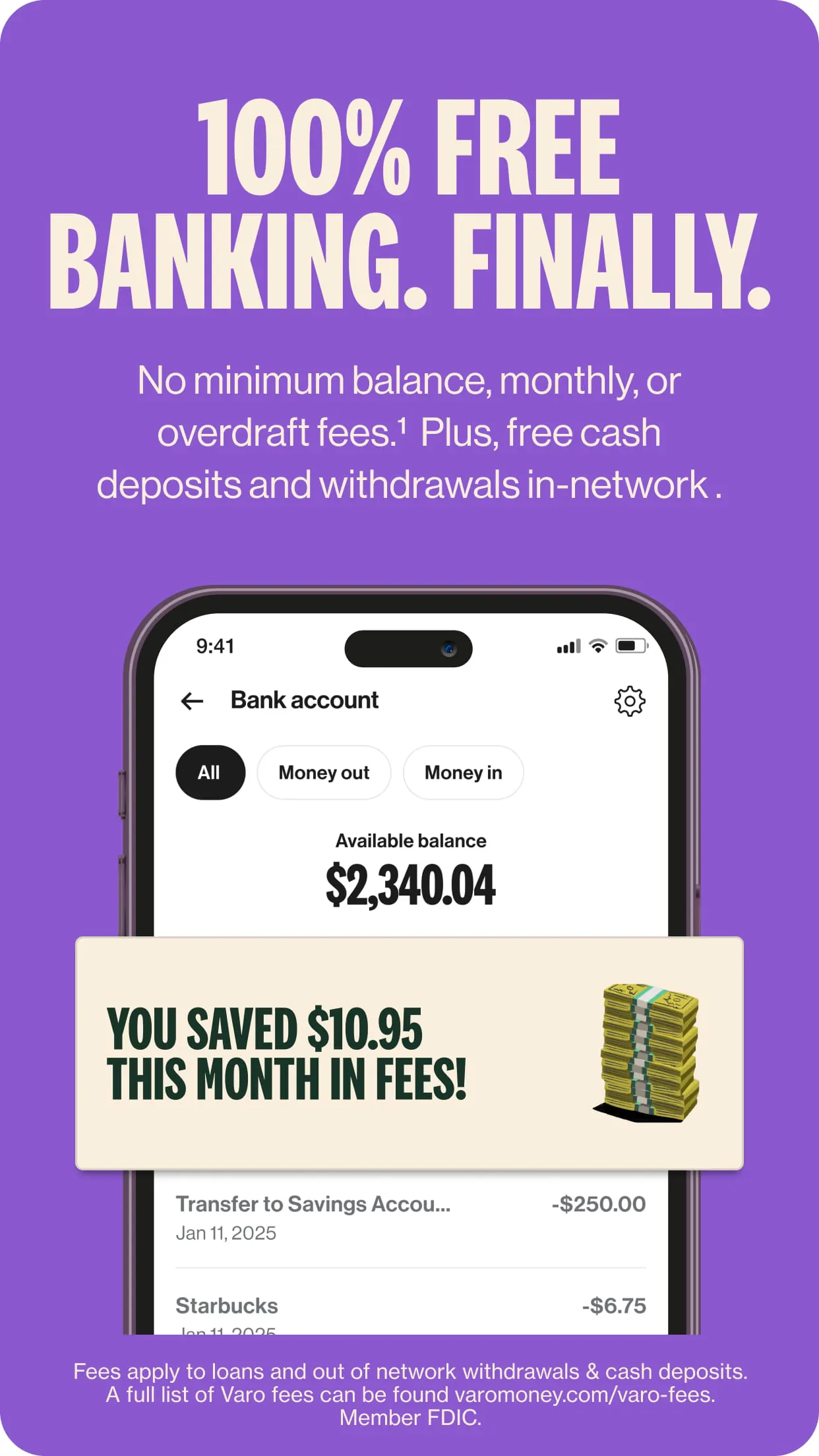
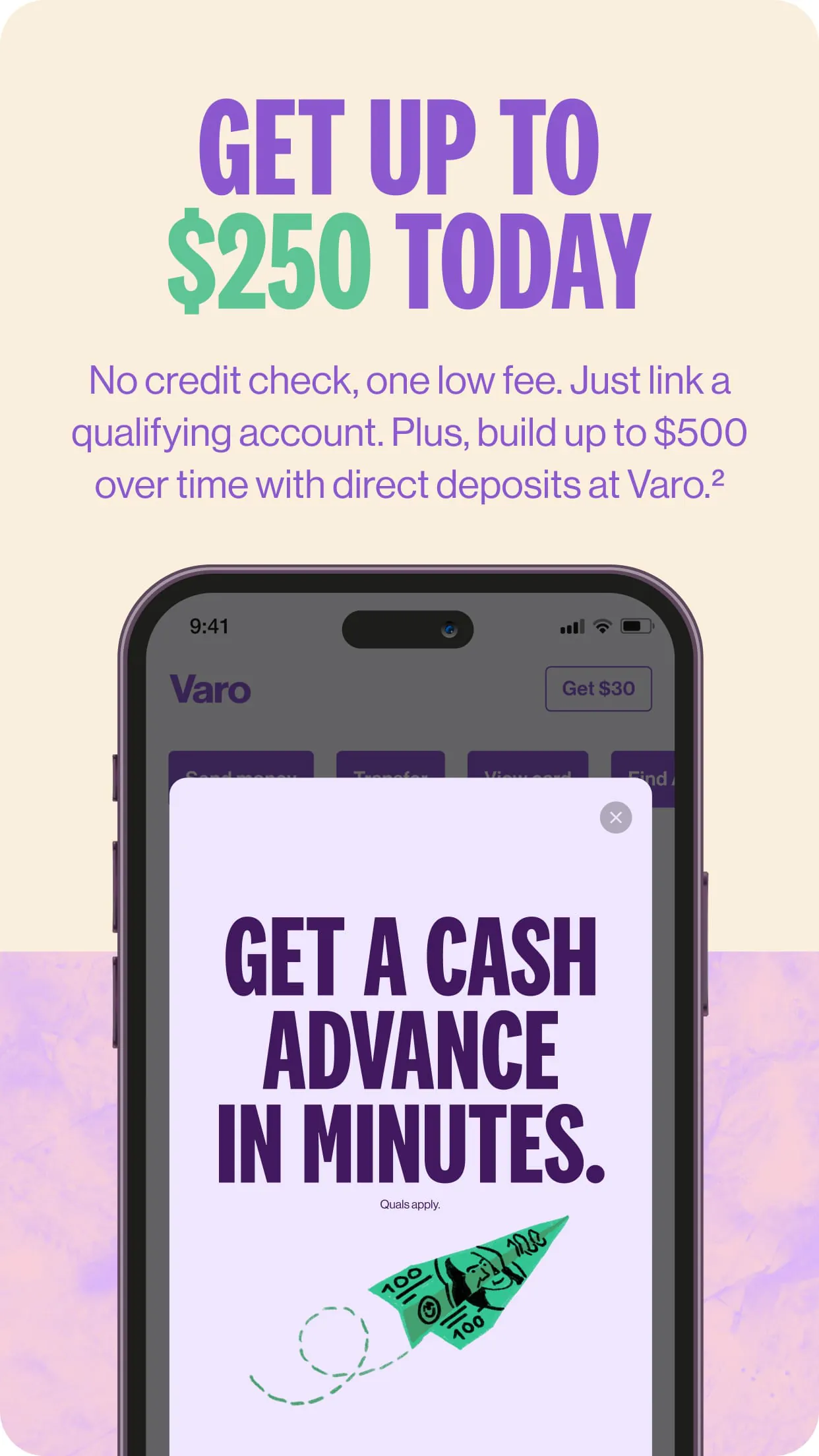
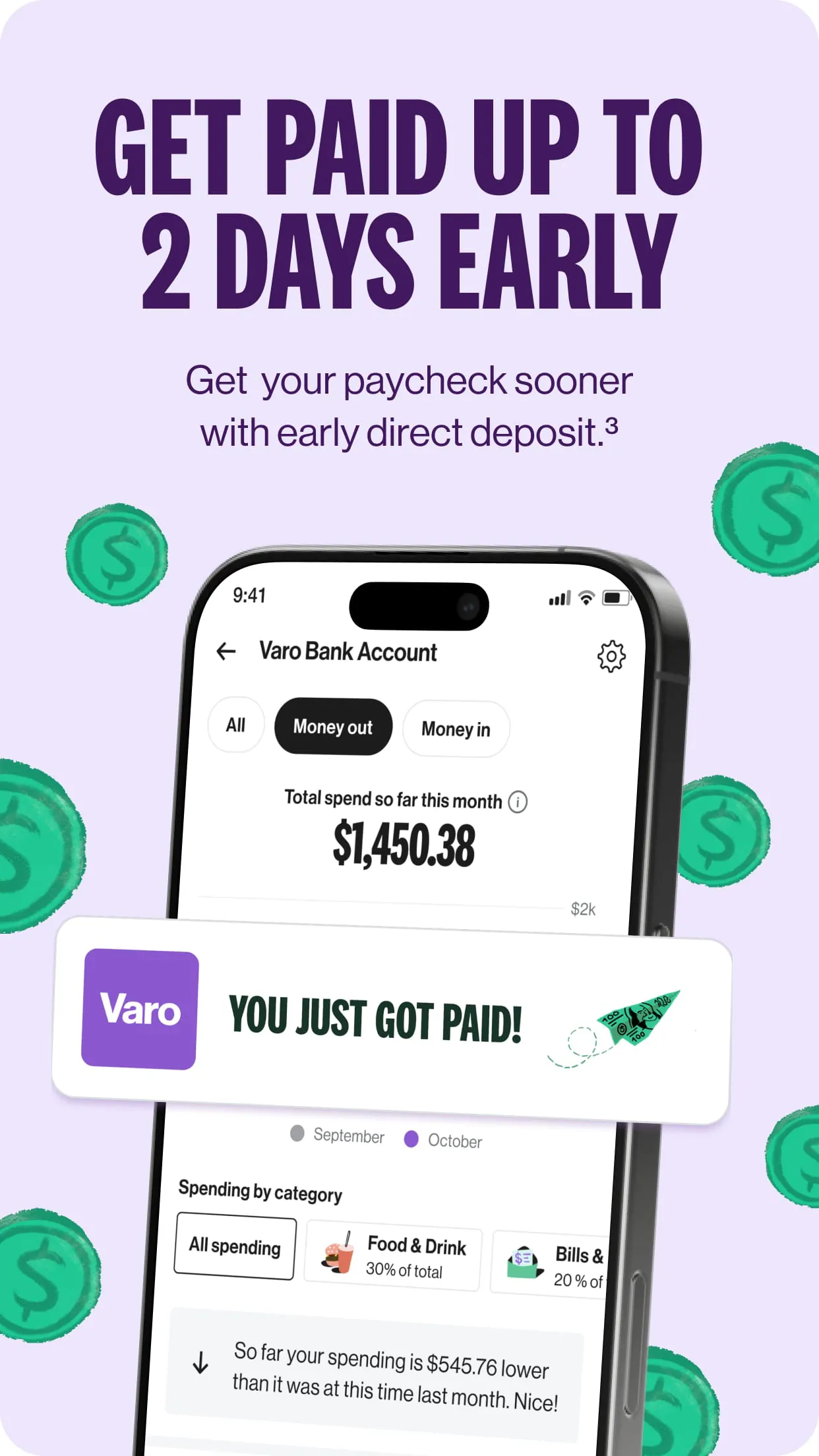
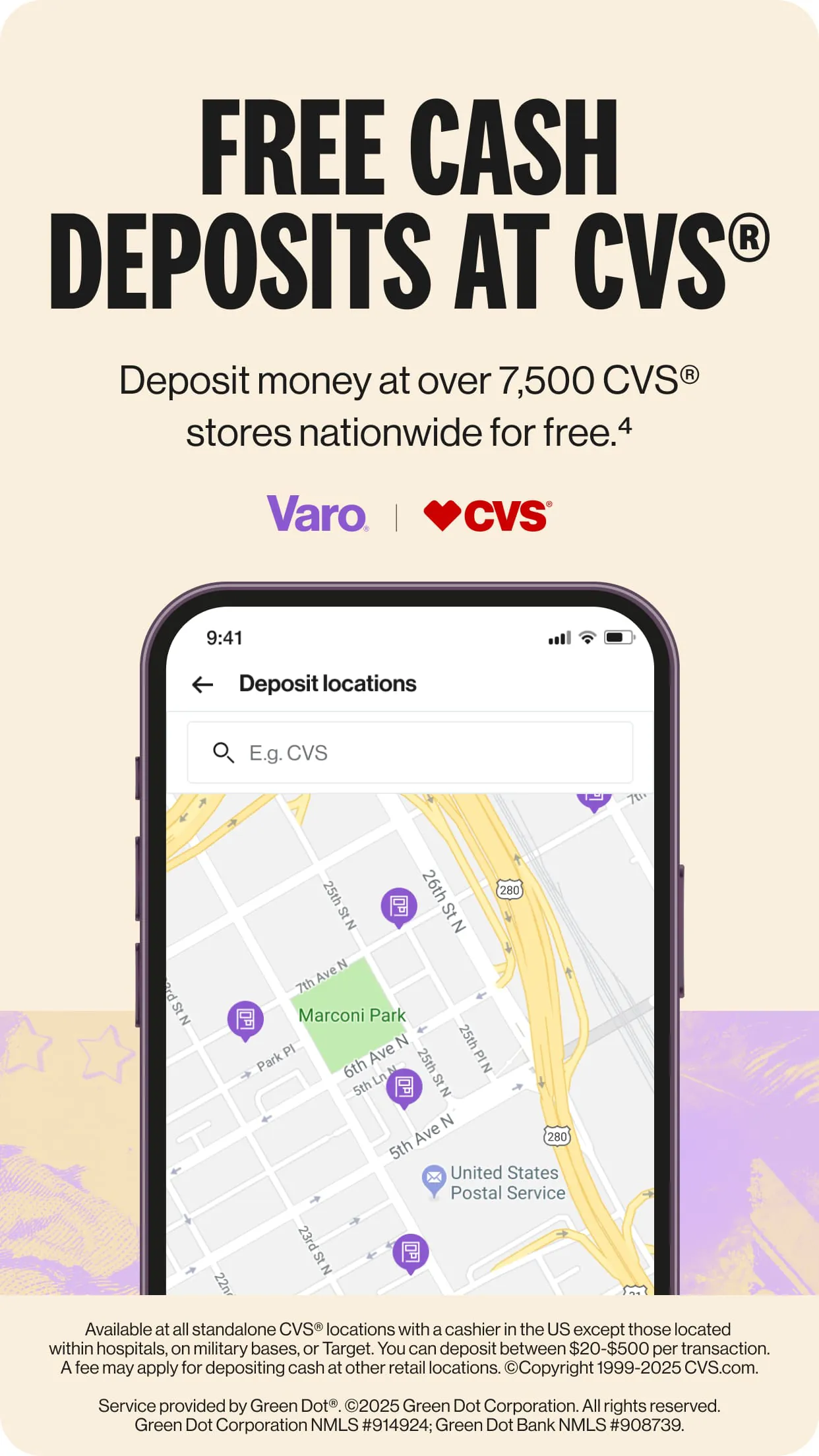
Varo Bank is a comprehensive mobile banking application that provides users with a full suite of digital financial services, operating as an all-digital, FDIC-insured national bank. Through its app, individuals can manage a checking account, a high-yield savings account, and access tools for budgeting, saving, and building credit, all designed to offer a modern alternative to traditional brick-and-mortar banking without monthly fees.
The Varo Bank app distinguishes itself with a set of consumer-centric features focused on accessibility and financial health. It offers early direct deposit, giving customers access to their paychecks up to two days in advance. The app’s savings tools are particularly notable, featuring automatic savings programs and a high-yield savings account that earns competitive interest when certain monthly requirements are met. Additionally, it provides real-time transaction alerts, a no-fee overdraft program called Varo Advance, and fee-free access to a large network of ATMs, creating a streamlined and cost-effective banking experience.
Adopting Varo Bank comes with several advantages and some limitations to be aware of. Its strengths are centered around convenience and value.
The app integrates a wide range of banking functions into a single platform, moving beyond simple account management. Core functions include opening and fully managing checking and savings accounts digitally. It also handles bill payments, peer-to-peer transfers, and mobile check deposits. Beyond transactional activities, the app actively promotes financial wellness through functions like spending insights and categorization, "Save Your Pay" automatic transfers, and a credit-building secured credit card option. Security functions are robust, featuring instant transaction notifications, the ability to lock and unlock your debit card instantly, and biometric login options.
Click the button "Check All Versions" below to download and install it. Once installed, open the app and follow the guided sign-up process, which will involve verifying your identity with a government-issued ID and Social Security Number. After your account is approved, you can fund it via direct deposit, mobile check deposit, or a transfer from an external bank account. Navigate the intuitive dashboard to view your accounts, transfer money, set up savings goals, and manage your card settings. For optimal use, enable notifications for transactions, set up direct deposit to benefit from early pay access, and explore the automatic savings rules to help grow your funds effortlessly.
Get Varo Bank from an official store or available APK channel.
ZIP files require a Split APKs Installer (e.g., SAI) from Google Play to install. Steps: 1. Download SAI from Google Play; 2. Open SAI and tap "Install APKs"; 3. Select the ZIP file; 4. Complete installation.
The latest version currently listed by Appspicked is V4.21.2, with information updated on May 18, 2026. Versions may vary by device, region, or rollout schedule, so users should also check Google Play or announcements from Varo Bank, N.A..
No website can guarantee that an app is completely risk-free. Appspicked recommends downloading Varo Bank only from an official app store or a verified channel operated by Varo Bank, N.A.. Before installing, confirm the developer name, package ID com.varomoney.bank, requested permissions, privacy policy, and download source.
Varo Bank may be unavailable because of regional restrictions, device incompatibility, account or age settings, a temporary removal, a name change, or because it has not been released for that platform. An Android package page does not necessarily mean that an iOS App Store version exists. Check Varo Bank, N.A.’s official website for current availability.
Use Google Play or another official download channel provided by Varo Bank, N.A. whenever possible. Appspicked provides app information and store links, but users should verify the destination domain and publisher before downloading or updating the app.
The information on Appspicked may represent the most recently indexed snapshot. App stores sometimes release updates gradually or display different versions according to region, device, operating system, or testing group. The official store listing should be treated as the final reference.
Varo Bank is listed for Android, with a reported minimum requirement of Not specified. Actual compatibility may also depend on the device model, region, available storage, hardware features, and installed system components.
The initial download may be free, but subscriptions, advertising, paid features, or in-app purchases may still apply. Prices and available purchases can vary by country and version. Check the payment information displayed by Google Play before completing a transaction.
Check the network connection, storage space, operating-system version, account region, and device compatibility. Restart the device and try again through the official store. If the problem continues, consult the support resources provided by Varo Bank, N.A..









