




VicoHome
by vicohome team
Seamlessly connect and control your smart devices, anytime, anywhere with ease.
A closer look
Overview
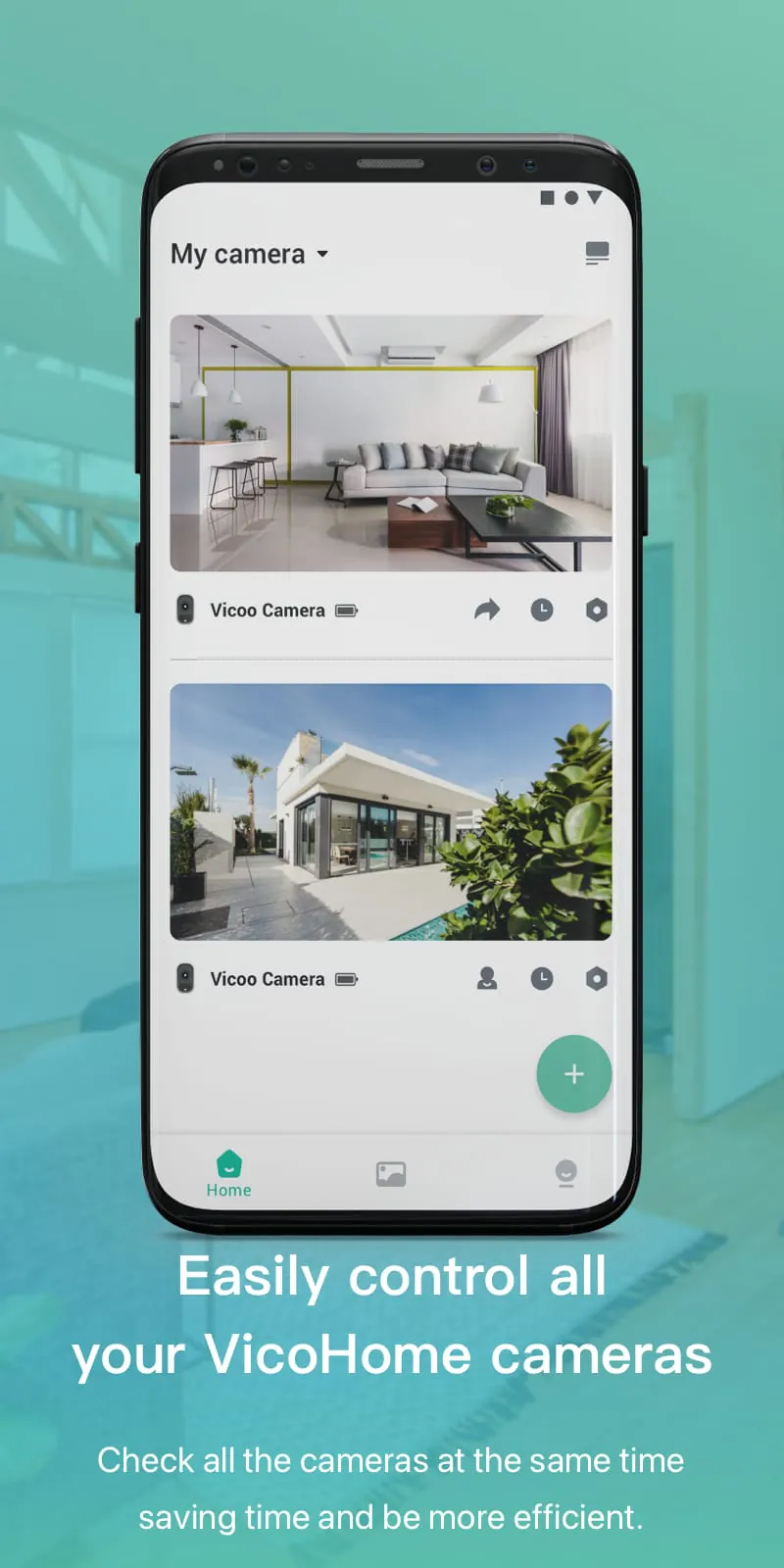
VicoHome is a specialized mobile application designed to provide users with seamless remote access and intelligent control over their Vico brand smart home devices. It serves as a centralized hub, allowing individuals to monitor security cameras, manage smart lights, control thermostats, and interact with various other connected appliances from a single, user-friendly interface, turning any smartphone into a powerful remote for the modern connected home.
Key Features
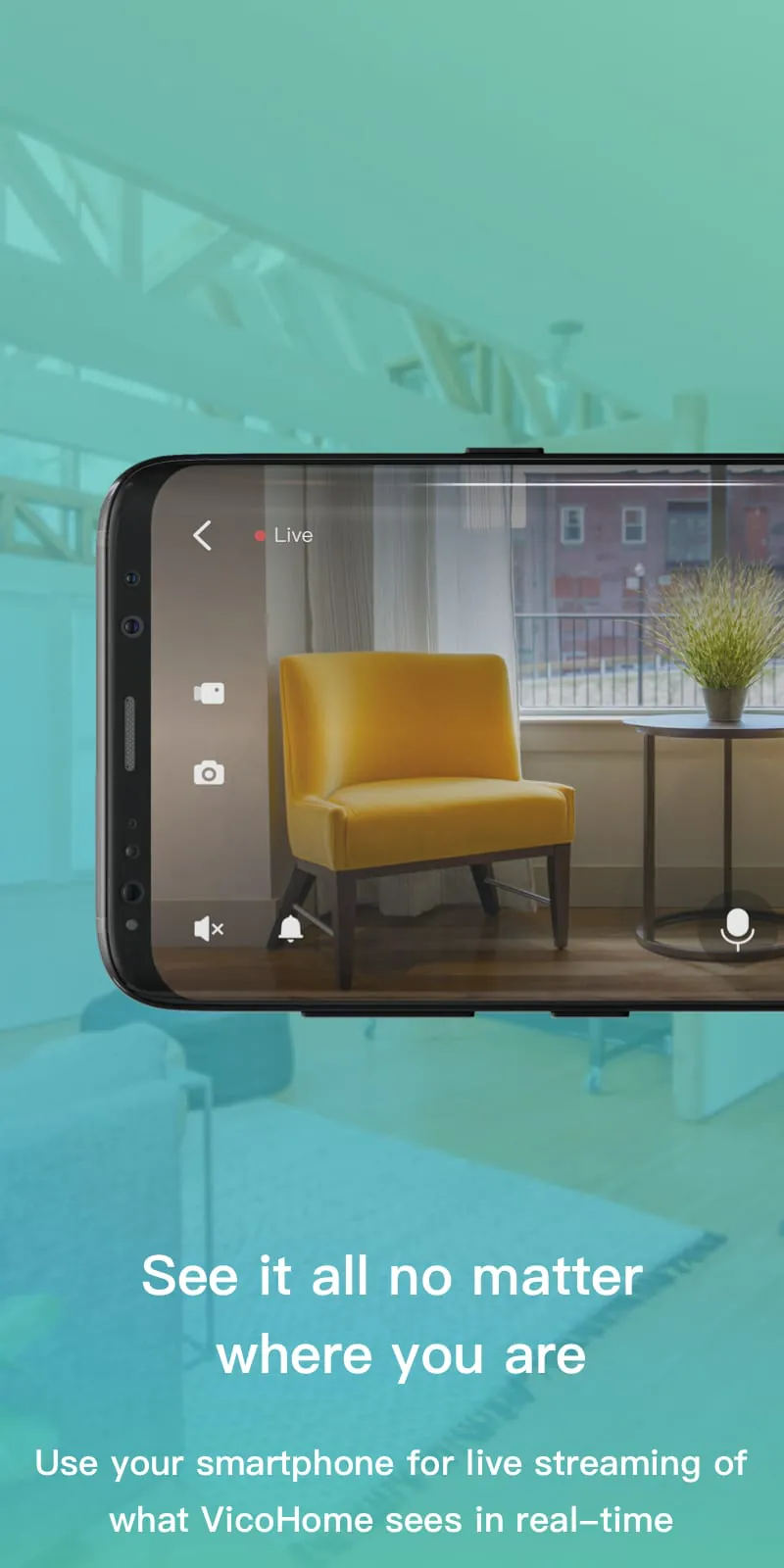
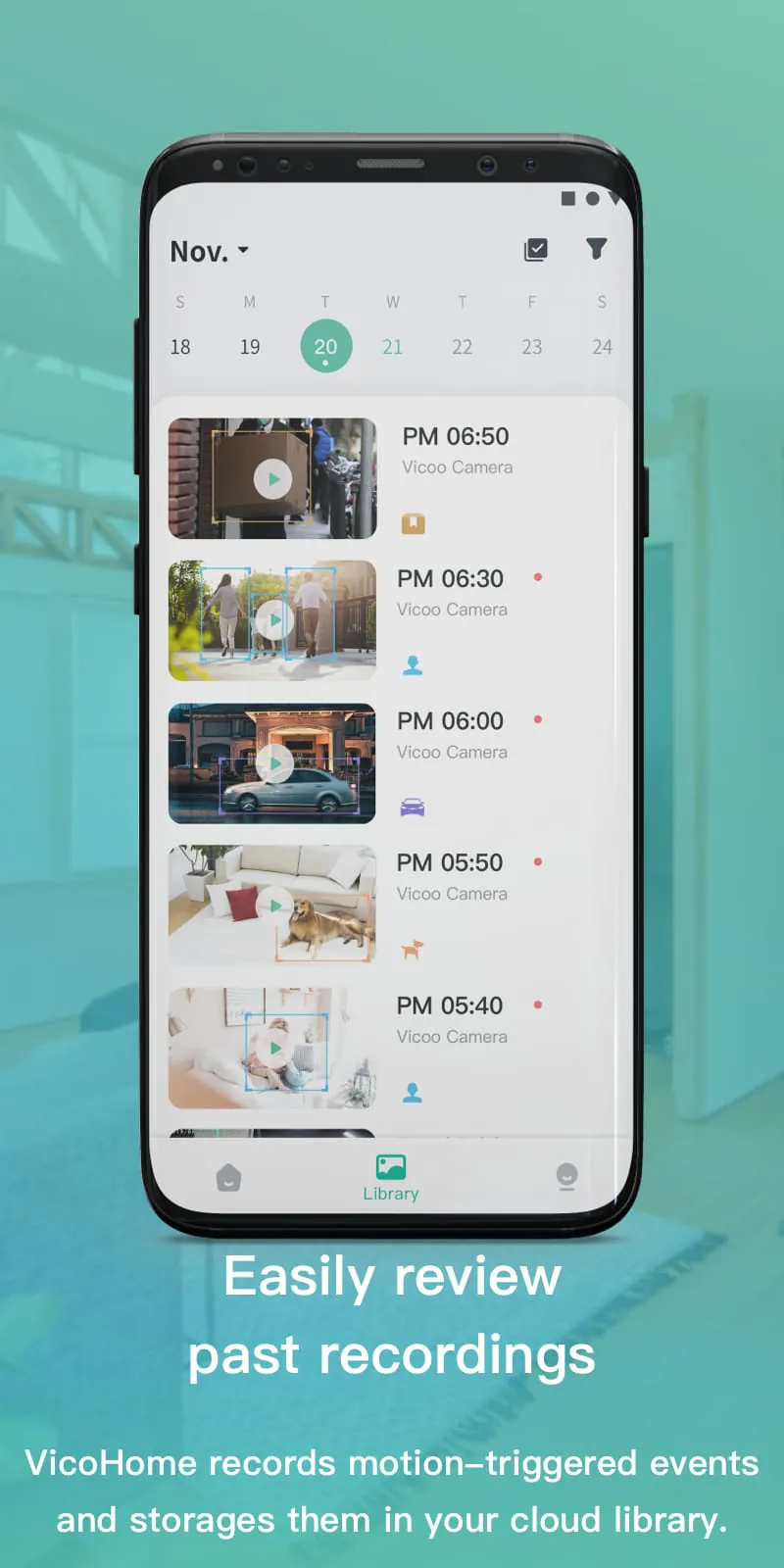
The application stands out by integrating a wide array of functionalities tailored for home automation. It delivers real-time video streaming with clear audio, supports two-way communication for speaking through camera devices, and sends instant alert notifications for detected motion or sound. Users can also create customized automation scenarios, such as scheduling lights to turn on at sunset, and review detailed historical activity logs from their devices, all protected by robust data encryption.
Pros & Cons
When evaluating VicoHome, users will find distinct advantages and some limitations.
- Intuitive and clean interface that is easy for beginners to navigate.
- Stable connection with low latency for real-time control.
- Supports a wide range of Vico products within one ecosystem.
- Useful automation and scheduling features.
- Primarily compatible only with Vico-branded hardware.
- Some advanced features may require a paid subscription.
- Performance can vary slightly based on local network strength.
Functions
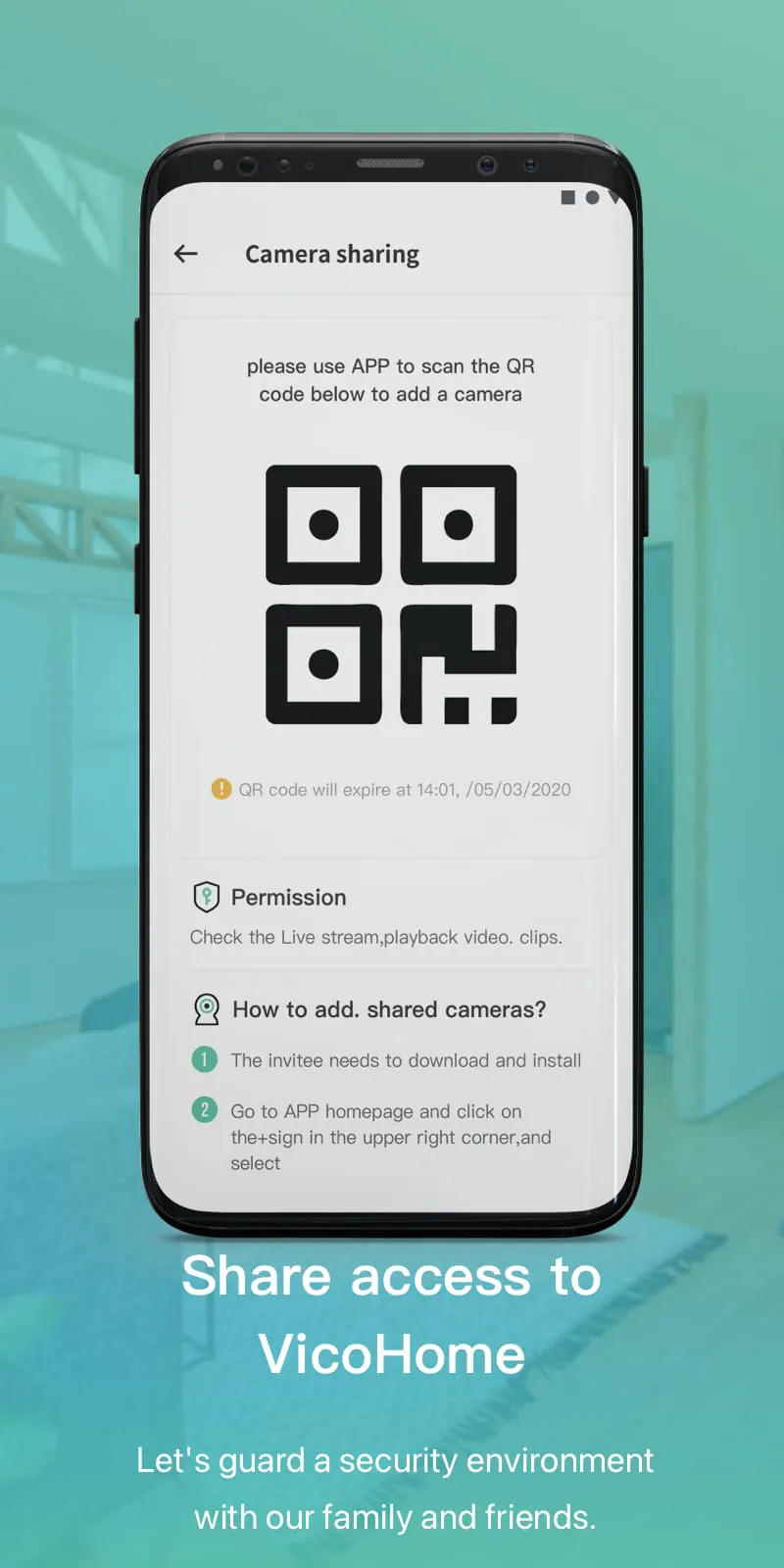
VicoHome encompasses a comprehensive set of functions to manage a smart home effectively. Its core capabilities include live viewing and playback of recorded video footage from multiple camera angles simultaneously. The app allows for precise adjustment of smart lighting color and brightness, as well as control over climate settings via compatible thermostats. Furthermore, it enables the grouping of devices for synchronized commands, offers cloud and local storage options, and includes a family sharing feature for granting access to other household members.
How to Use
Click the button "Check All Versions" below to download and install it. Once installed, open the app and create a new account or log in with your existing credentials. Follow the in-app instructions to add your Vico devices, typically by scanning a QR code or entering the device's unique ID. After successful pairing, your devices will appear on the main dashboard where you can tap on any item to access its live feed or control panel. Navigate through the menu to set up motion detection zones, configure notification preferences, and establish automated routines under the "Scenes" or "Automation" tab to fully customize your smart home experience.
App Download
Get VicoHome from an official store or available APK channel.
Previous Versions
ZIP files require a Split APKs Installer (e.g., SAI) from Google Play to install. Steps: 1. Download SAI from Google Play; 2. Open SAI and tap "Install APKs"; 3. Select the ZIP file; 4. Complete installation.
Frequently Asked Questions
What is the latest version of VicoHome?
The latest version currently listed by Appspicked is unavailable, with information updated on May 14, 2026. Versions may vary by device, region, or rollout schedule, so users should also check Google Play or announcements from vicohome team.
Is VicoHome safe to download and use?
No website can guarantee that an app is completely risk-free. Appspicked recommends downloading VicoHome only from an official app store or a verified channel operated by vicohome team. Before installing, confirm the developer name, package ID com.smartaddx.vicohome, requested permissions, privacy policy, and download source.
Why can’t I find VicoHome in the App Store?
VicoHome may be unavailable because of regional restrictions, device incompatibility, account or age settings, a temporary removal, a name change, or because it has not been released for that platform. An Android package page does not necessarily mean that an iOS App Store version exists. Check vicohome team’s official website for current availability.
Where can I download or update VicoHome?
Use Google Play or another official download channel provided by vicohome team whenever possible. Appspicked provides app information and store links, but users should verify the destination domain and publisher before downloading or updating the app.
Why is the version shown on Appspicked different from the app-store version?
The information on Appspicked may represent the most recently indexed snapshot. App stores sometimes release updates gradually or display different versions according to region, device, operating system, or testing group. The official store listing should be treated as the final reference.
Which devices and operating systems support VicoHome?
VicoHome is listed for Android, with a reported minimum requirement of Not specified. Actual compatibility may also depend on the device model, region, available storage, hardware features, and installed system components.
Is VicoHome free?
The initial download may be free, but subscriptions, advertising, paid features, or in-app purchases may still apply. Prices and available purchases can vary by country and version. Check the payment information displayed by Google Play before completing a transaction.
What should I do if VicoHome cannot be installed or updated?
Check the network connection, storage space, operating-system version, account region, and device compatibility. Restart the device and try again through the official store. If the problem continues, consult the support resources provided by vicohome team.









