


V5.0.1

- Package Name
- com.verisign.mvip.main
- Version Name
- V5.0.1
- Version Code
- V5.0.1
- File Size
- 24.26 MB
- Update time
- 2024-10-8



by Symantec VIP
Use Symantec™ VIP Access to protect your online accounts.
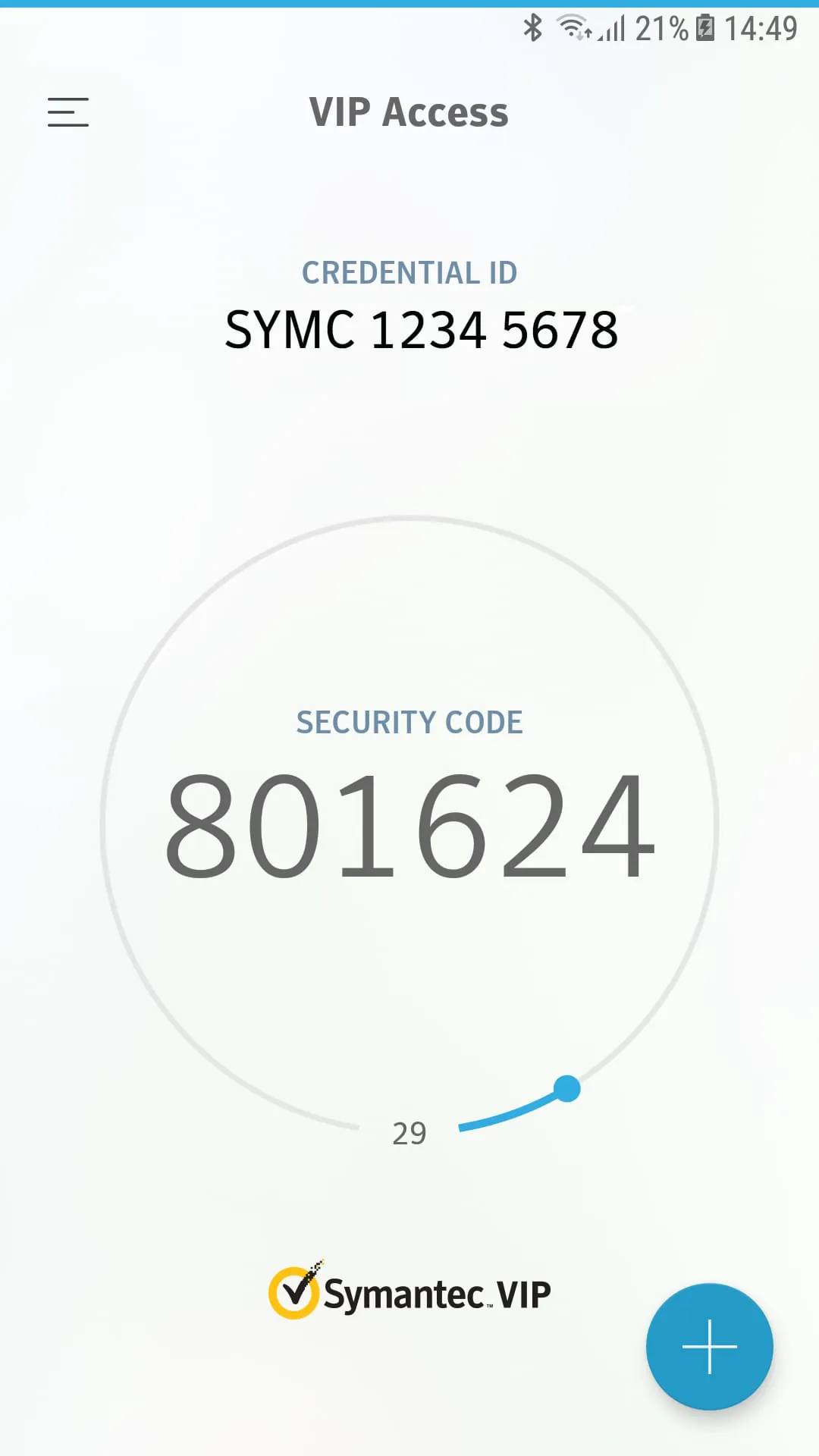
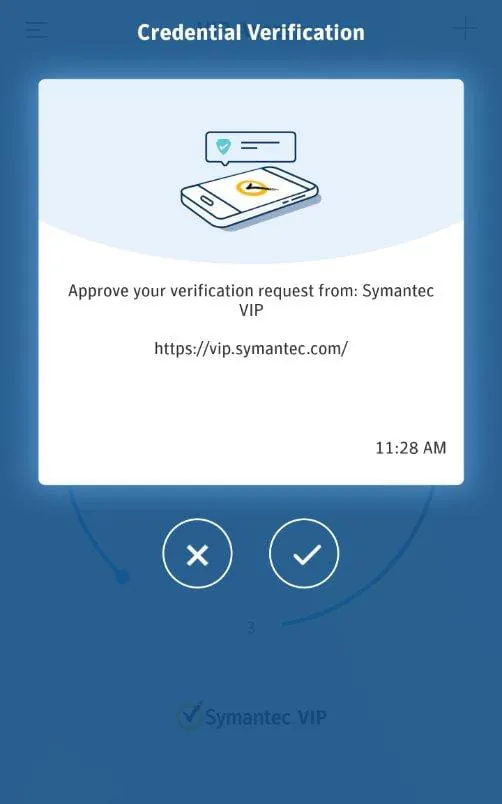
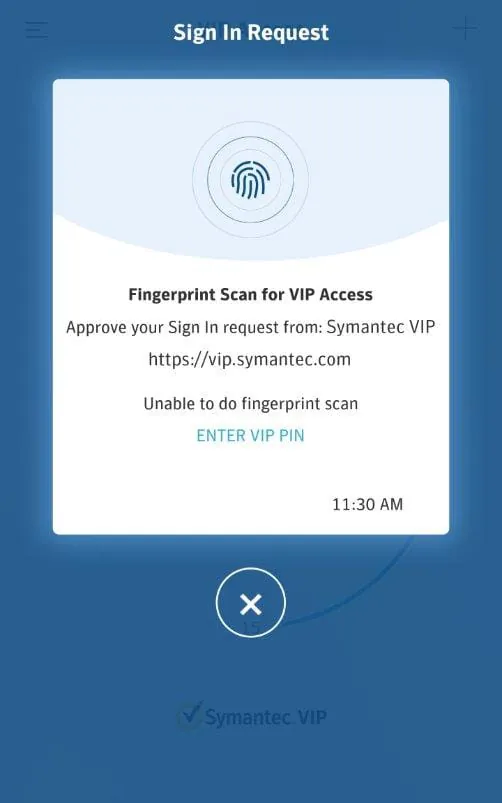
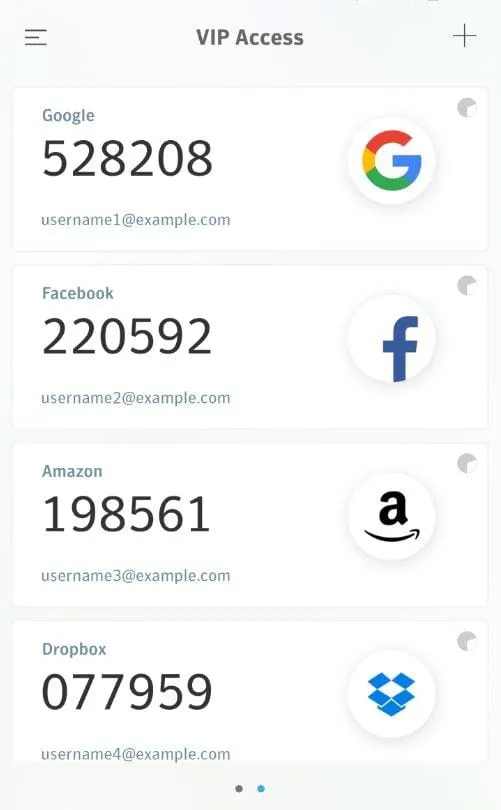
VIP Access is a mobile application developed to provide users with secure and convenient login verification services, primarily functioning as a software token to generate time-based one-time passwords for protecting online accounts and authorizing transactions, thereby enhancing security against unauthorized access.
The application stands out by offering robust two-factor authentication directly from a user's personal device. Its core capability lies in generating secure, time-sensitive passcodes that refresh every 30 to 60 seconds, ensuring that each code is unique and can only be used once. It operates offline without requiring network connectivity for code generation and supports the protection of multiple accounts from various service providers within a single, streamlined interface, making it a centralized security tool for personal and professional use.
A balanced view of the application reveals several advantages and some limitations. The primary benefits are its significant enhancement of account security by adding an essential layer of protection beyond just a password, its widespread acceptance by major financial institutions and online platforms, and its high convenience as it eliminates the need for carrying a separate physical token. On the other hand, the drawbacks include a critical dependency on the user’s mobile device—if the phone is lost, damaged, or out of battery, access can be compromised—and the inherent complexity of the initial setup process, which can be challenging for less tech-savvy individuals to configure properly with their accounts.
The application performs several critical security functions seamlessly. Its primary role is to act as a software-based security token, synchronizing with servers to produce synchronized one-time passwords. It securely stores the unique seed credentials for each enrolled account locally on the device. Furthermore, it provides a straightforward method for authorizing high-risk activities, such as bank transfers, by requiring a generated code for final confirmation, thus actively preventing fraudulent transactions.
Click the button "Check All Versions" below to download and install it. After installation, open the app and begin the enrollment process by selecting the option to add a new account; this typically involves scanning a QR code provided by your bank or online service website or manually entering a provided activation code. Once enrolled, the account will appear in your app's list, and you can simply open VIP Access whenever a login prompts for a verification code, then enter the currently displayed 6-digit passcode for that account to complete a secure sign-in or transaction approval. It is crucial to follow your service provider’s specific instructions for linking the app to your account.
Get VIP Access from an official store or available APK channel.
ZIP files require a Split APKs Installer (e.g., SAI) from Google Play to install. Steps: 1. Download SAI from Google Play; 2. Open SAI and tap "Install APKs"; 3. Select the ZIP file; 4. Complete installation.
The latest version currently listed by Appspicked is V4.2.0, with information updated on May 19, 2026. Versions may vary by device, region, or rollout schedule, so users should also check Google Play or announcements from Symantec VIP.
No website can guarantee that an app is completely risk-free. Appspicked recommends downloading VIP Access only from an official app store or a verified channel operated by Symantec VIP. Before installing, confirm the developer name, package ID com.verisign.mvip.main, requested permissions, privacy policy, and download source.
VIP Access may be unavailable because of regional restrictions, device incompatibility, account or age settings, a temporary removal, a name change, or because it has not been released for that platform. An Android package page does not necessarily mean that an iOS App Store version exists. Check Symantec VIP’s official website for current availability.
Use Google Play or another official download channel provided by Symantec VIP whenever possible. Appspicked provides app information and store links, but users should verify the destination domain and publisher before downloading or updating the app.
The information on Appspicked may represent the most recently indexed snapshot. App stores sometimes release updates gradually or display different versions according to region, device, operating system, or testing group. The official store listing should be treated as the final reference.
VIP Access is listed for Android, with a reported minimum requirement of Not specified. Actual compatibility may also depend on the device model, region, available storage, hardware features, and installed system components.
The initial download may be free, but subscriptions, advertising, paid features, or in-app purchases may still apply. Prices and available purchases can vary by country and version. Check the payment information displayed by Google Play before completing a transaction.
Check the network connection, storage space, operating-system version, account region, and device compatibility. Restart the device and try again through the official store. If the problem continues, consult the support resources provided by Symantec VIP.









