



Weather
by 1 Bit
Accurate weather app with live weather radar & various styles of weather widgets
A closer look
Overview
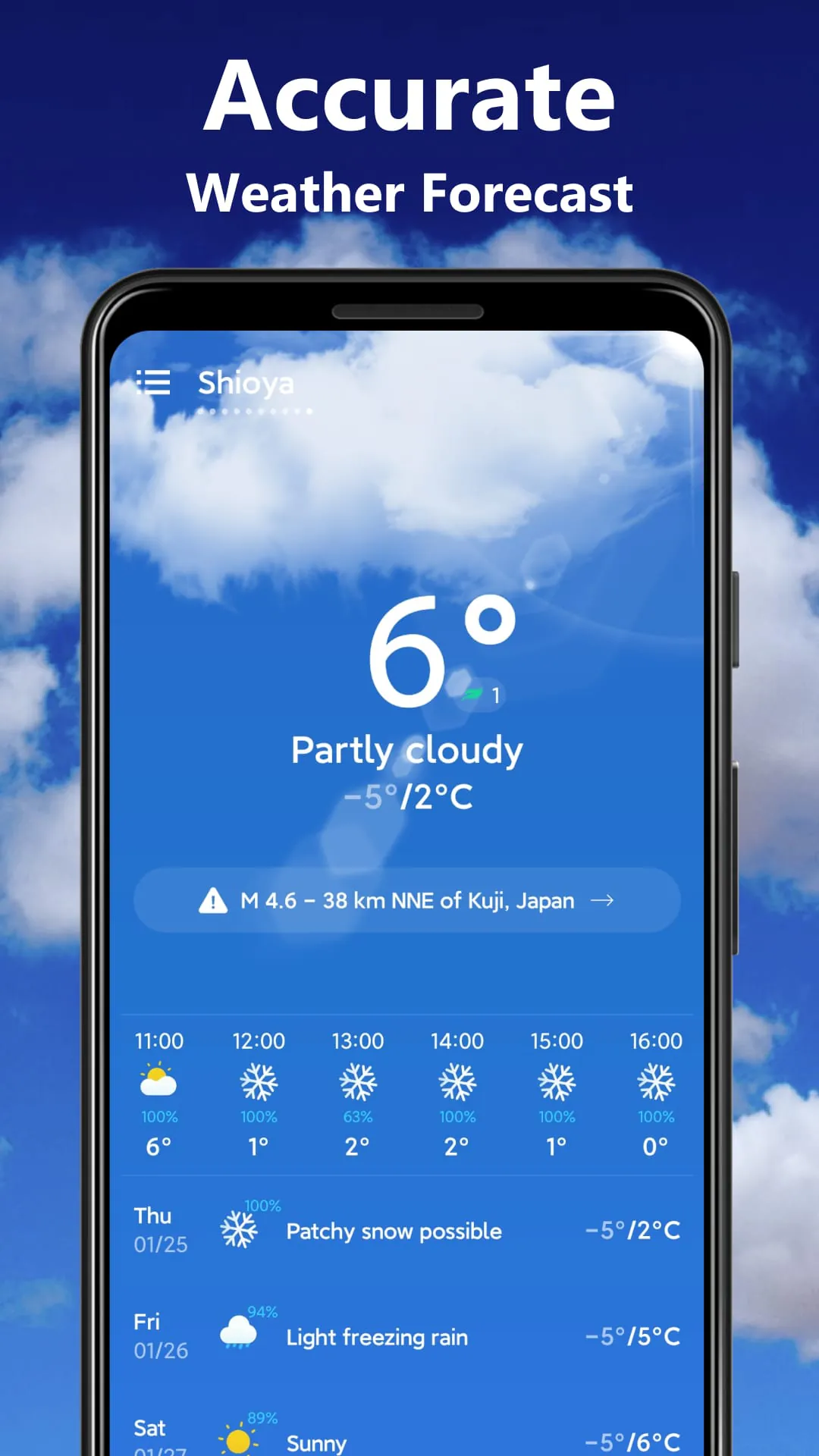
Weather is a clean, intuitive mobile application designed to deliver accurate, real-time weather updates in a way that’s effortless to understand. Whether you’re planning your week, heading out for a jog, or preparing for unexpected storms, Weather keeps you informed with reliable forecasts, interactive radar maps, and location-based alerts tailored to your exact position.
Key Features
- Real-time temperature, humidity, wind speed, and UV index
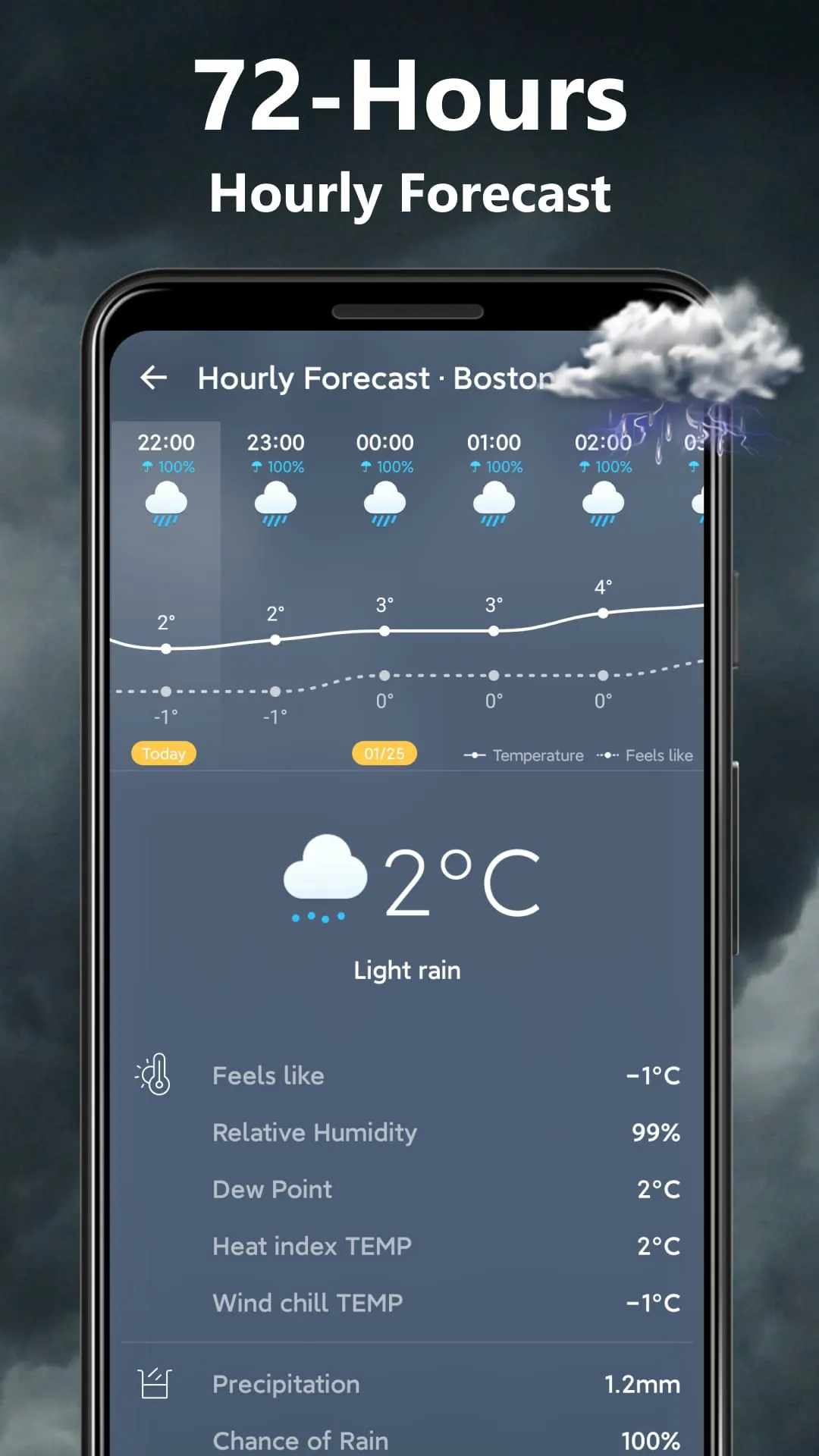
- Hourly and 14-day weather forecasts
- Severe weather alerts and emergency notifications
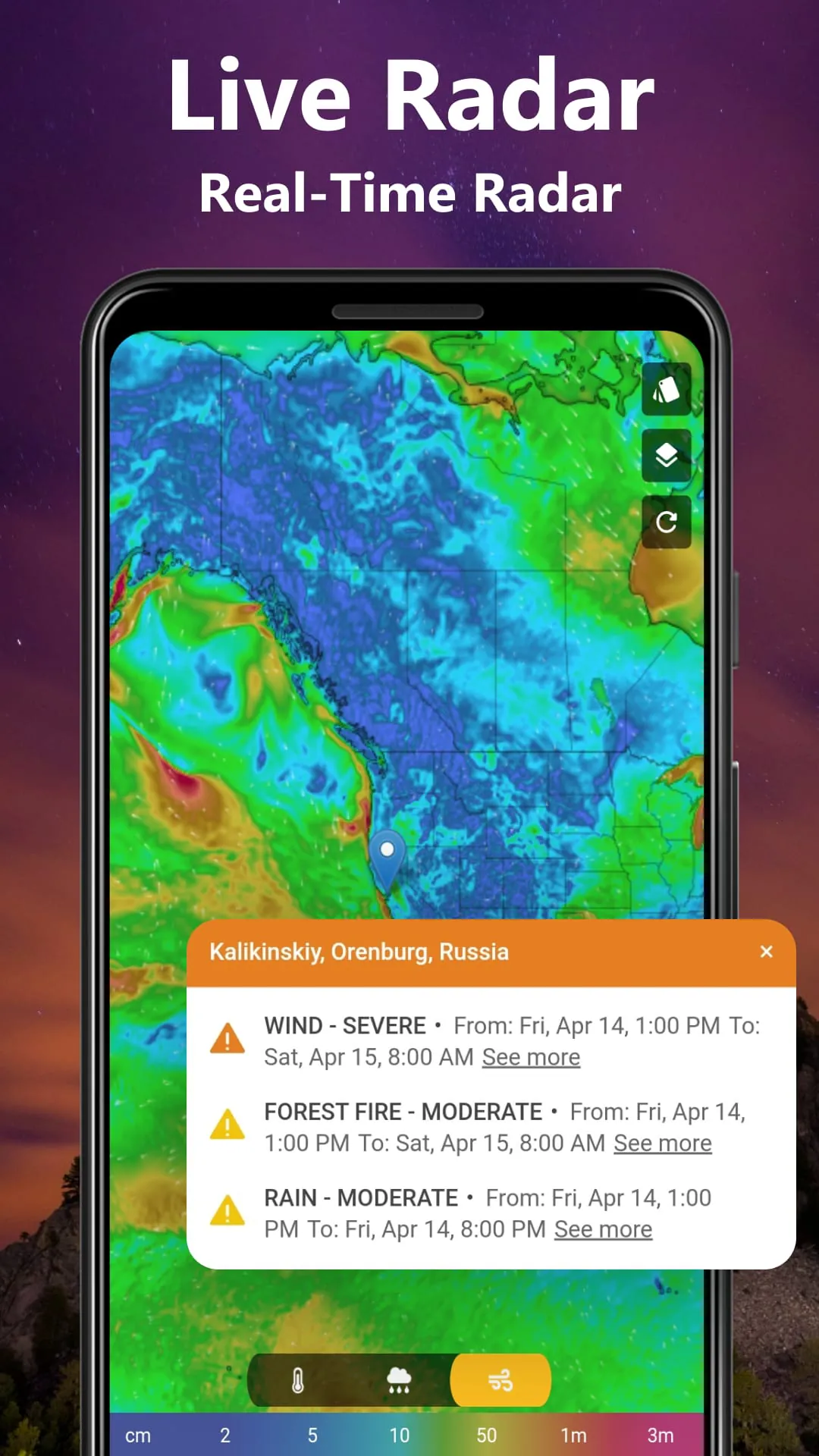
- Interactive radar maps with customizable layers
- Air quality monitoring (AQI) for health-conscious users
- Sunrise and sunset tracking for outdoor planners
- Multiple location support for frequent travelers
Pros & Cons
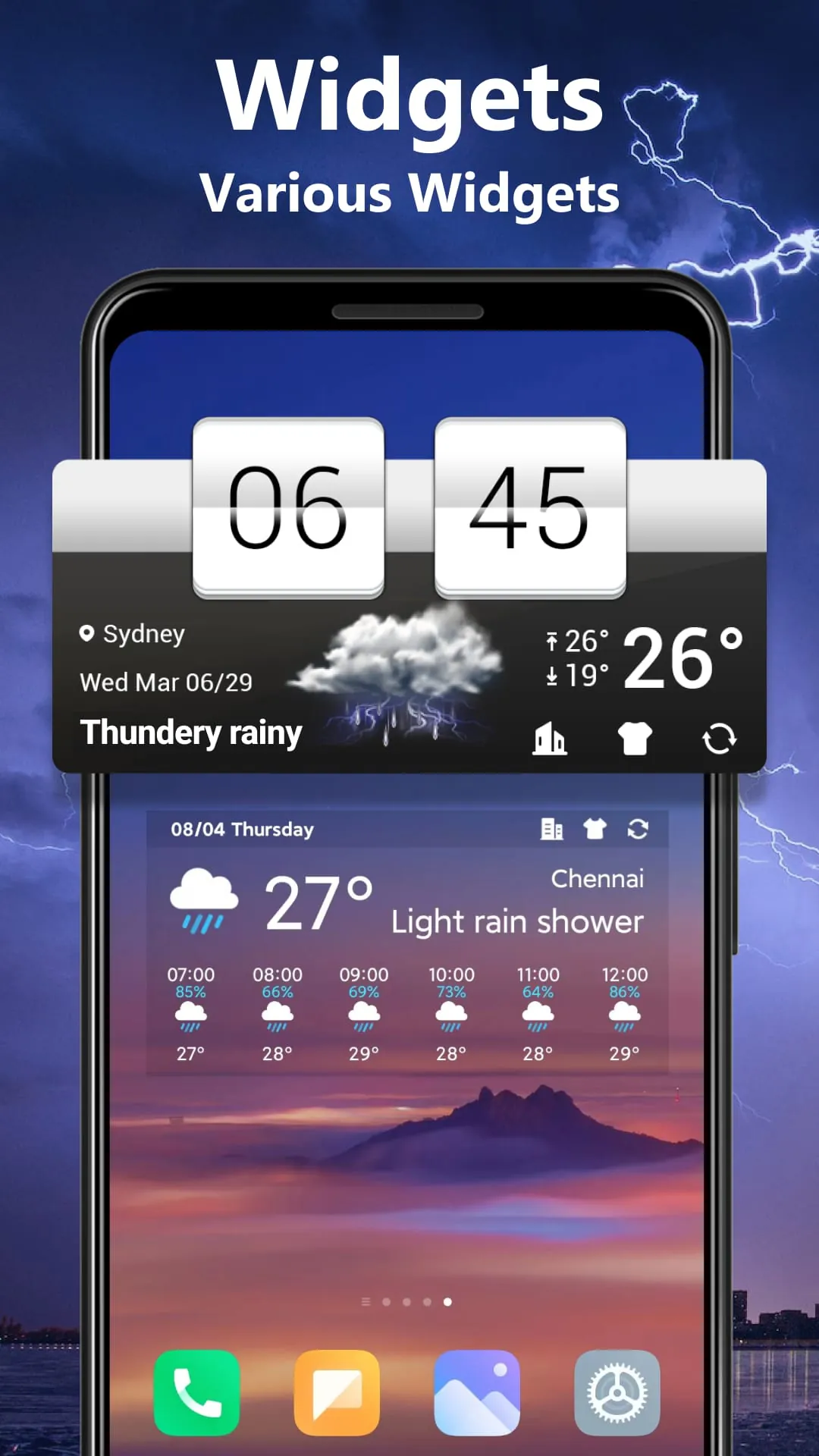
- Pros: Highly accurate local forecasts, minimalist design, fast loading times, customizable widgets, and no unnecessary clutter.
- Cons: Some advanced features require an internet connection, and premium radar layers may need a subscription.
Functions
Weather goes beyond basic forecasting by offering tools that adapt to your lifestyle. You can set personalized notifications for rain, snow, or extreme heat so you’re never caught off guard. The app also includes a “Feels Like” temperature feature, which factors in humidity and wind chill to give a more realistic sense of outdoor conditions. For travelers, Weather allows quick switching between saved cities, while the radar mode lets you track storms in real time. Users can also view historical weather data to compare current patterns with past years.
How to Use
Click the button "Check All Versions" below to download and install it. Once installed, open the app and allow location access for automatic local forecasts. From the home screen, swipe left or right to switch between daily and hourly views. Tap the map icon to explore radar imagery, adjust layers for precipitation or temperature, and pinch to zoom. To add multiple locations, go to settings and select “Manage Locations.” You can also customize alert preferences to receive push notifications for specific weather events.
App Download
Get Weather from an official store or available APK channel.
Previous Versions
ZIP files require a Split APKs Installer (e.g., SAI) from Google Play to install. Steps: 1. Download SAI from Google Play; 2. Open SAI and tap "Install APKs"; 3. Select the ZIP file; 4. Complete installation.
Frequently Asked Questions
What is the latest version of Weather?
The latest version currently listed by Appspicked is unavailable, with information updated on Jun 6, 2026. Versions may vary by device, region, or rollout schedule, so users should also check Google Play or announcements from 1 Bit.
Is Weather safe to download and use?
No website can guarantee that an app is completely risk-free. Appspicked recommends downloading Weather only from an official app store or a verified channel operated by 1 Bit. Before installing, confirm the developer name, package ID weather.weatherforcast.accuweather.weatherchannel, requested permissions, privacy policy, and download source.
Why can’t I find Weather in the App Store?
Weather may be unavailable because of regional restrictions, device incompatibility, account or age settings, a temporary removal, a name change, or because it has not been released for that platform. An Android package page does not necessarily mean that an iOS App Store version exists. Check 1 Bit’s official website for current availability.
Where can I download or update Weather?
Use Google Play or another official download channel provided by 1 Bit whenever possible. Appspicked provides app information and store links, but users should verify the destination domain and publisher before downloading or updating the app.
Why is the version shown on Appspicked different from the app-store version?
The information on Appspicked may represent the most recently indexed snapshot. App stores sometimes release updates gradually or display different versions according to region, device, operating system, or testing group. The official store listing should be treated as the final reference.
Which devices and operating systems support Weather?
Weather is listed for Android, with a reported minimum requirement of Not specified. Actual compatibility may also depend on the device model, region, available storage, hardware features, and installed system components.
Is Weather free?
The initial download may be free, but subscriptions, advertising, paid features, or in-app purchases may still apply. Prices and available purchases can vary by country and version. Check the payment information displayed by Google Play before completing a transaction.
What should I do if Weather cannot be installed or updated?
Check the network connection, storage space, operating-system version, account region, and device compatibility. Restart the device and try again through the official store. If the problem continues, consult the support resources provided by 1 Bit.









