


V3.8.2

- Package Name
- com.naver.linewebtoon
- Version Name
- V3.8.2
- Version Code
- V3.8.2
- File Size
- 59.11 MB
- Update time
- 2026-1-7



by NAVER WEBTOON
The largest manga, comics, and manhwa community with millions of fans!
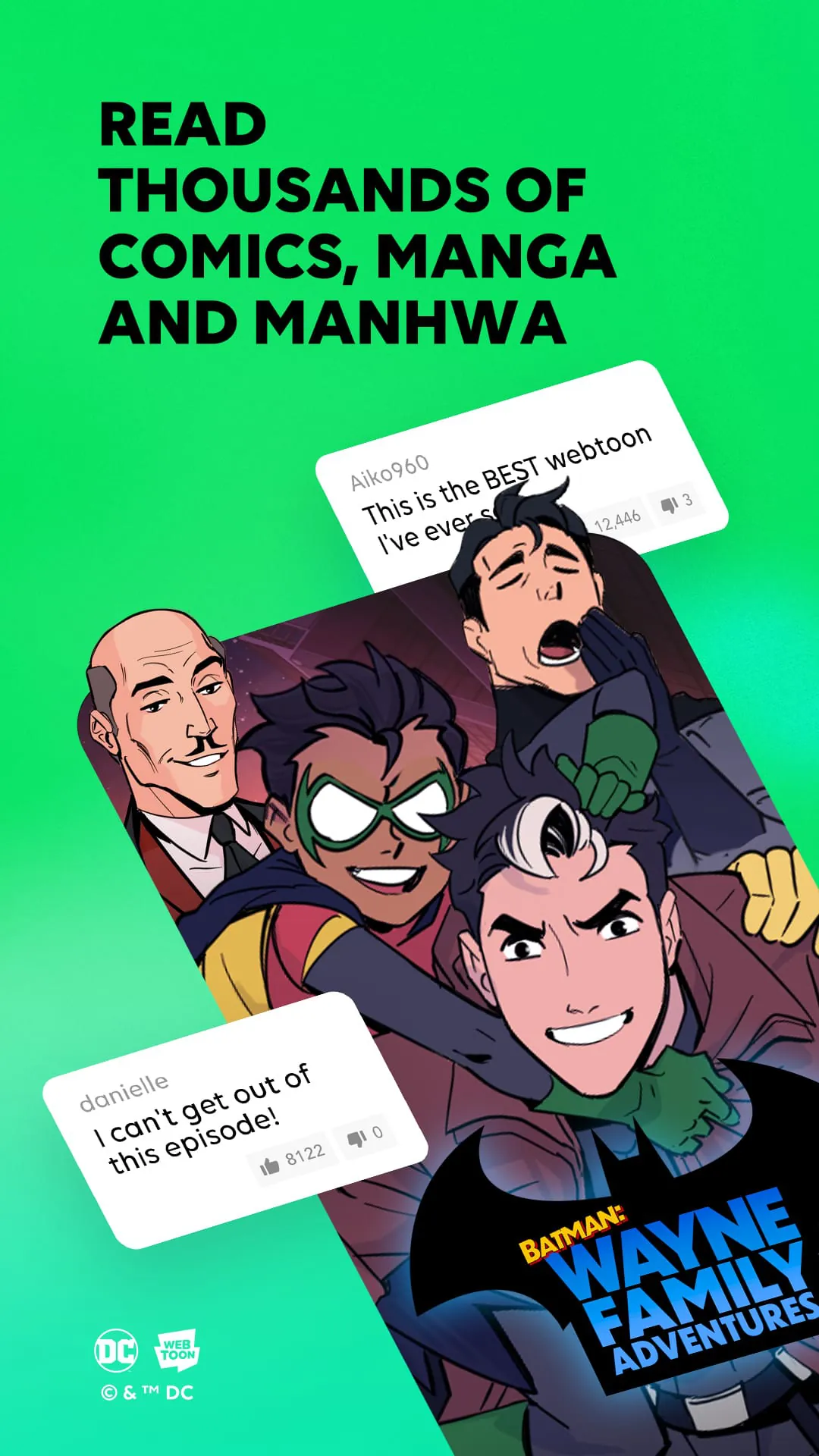
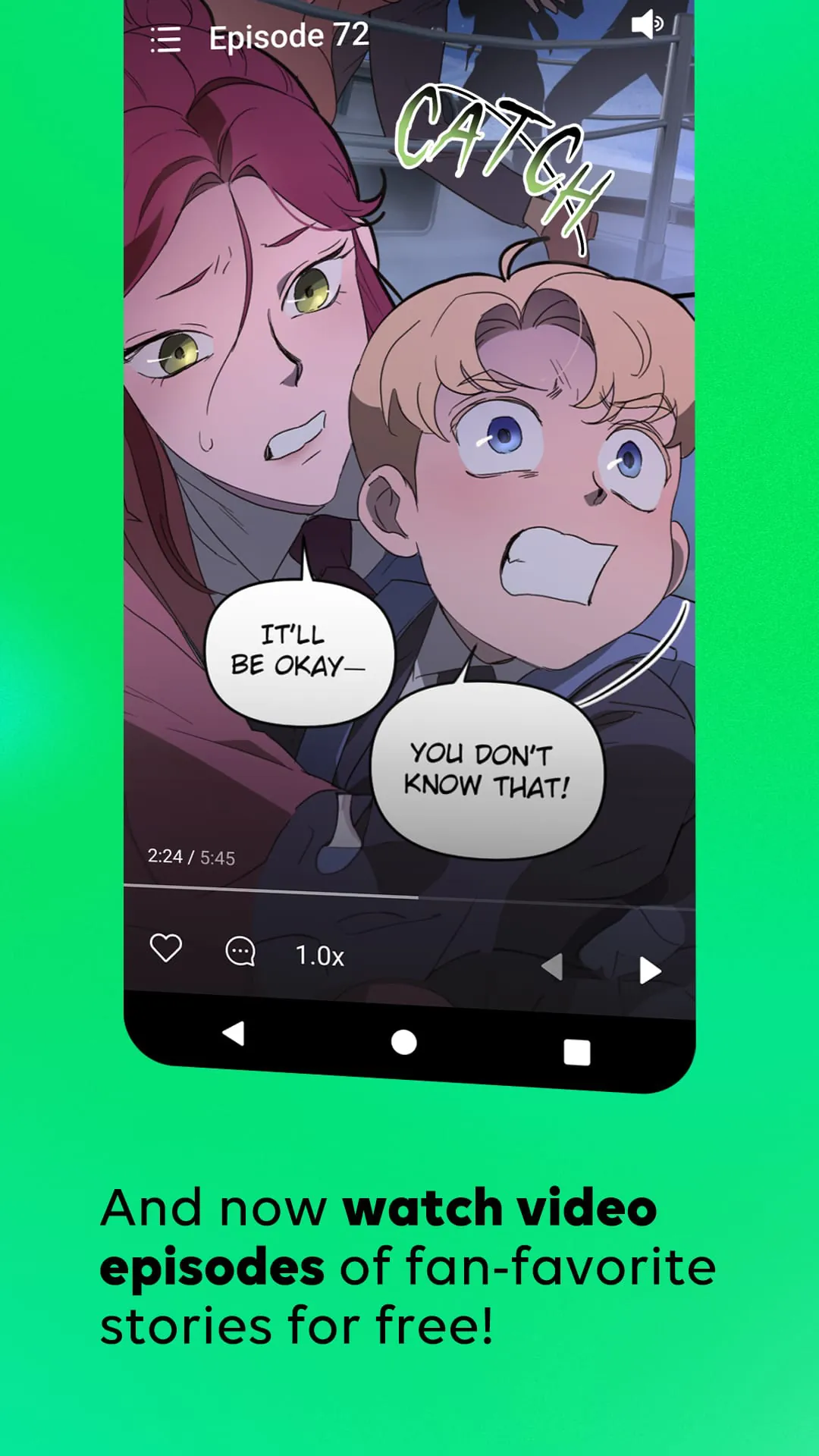
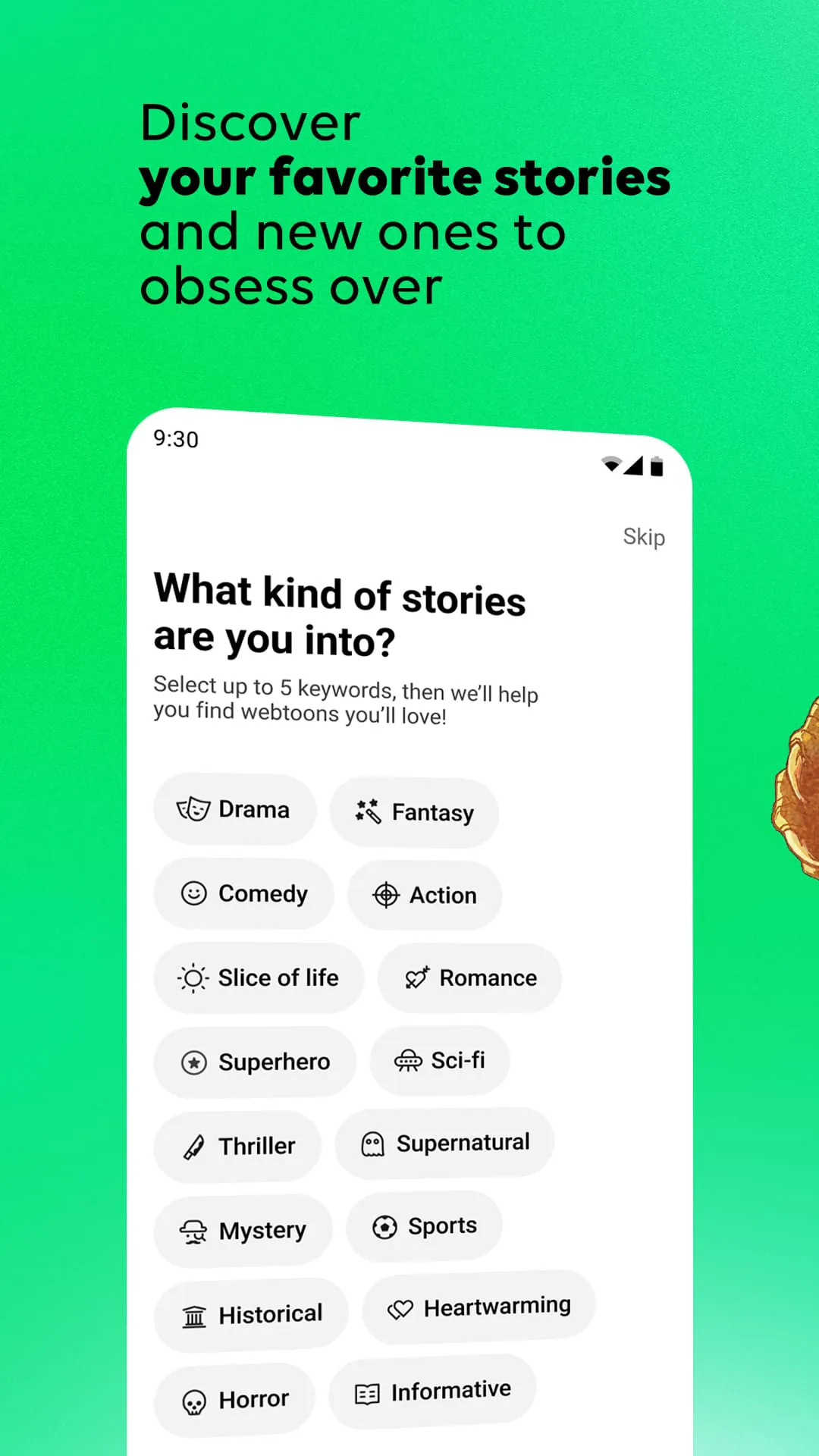
WEBTOON is a digital comic platform that offers an extensive library of webcomics across multiple genres, including romance, fantasy, horror, comedy, and action. Available on both Android and iOS devices, this free app connects creators with readers worldwide through its user-friendly interface and daily updates. With over 72 million monthly active users, WEBTOON has revolutionized how people consume comics by making them easily accessible in a vertical scroll format optimized for mobile viewing.
WEBTOON stands out from traditional comic platforms through several innovative features designed specifically for mobile consumption. The app's signature vertical scrolling eliminates the need for zooming or page-turning, creating a seamless reading experience. Users can explore both Canvas (user-created) and Originals (professionally produced) series, with new episodes released according to consistent schedules. The platform supports multiple languages and includes community features like comments sections where fans discuss each episode. Personalization algorithms recommend comics based on reading history, while offline reading capabilities allow downloading favorites for later enjoyment without internet connection.
Like any digital platform, WEBTOON presents distinct advantages alongside certain limitations worth considering. On the positive side, the app offers completely free access to thousands of high-quality comics with no subscription required. The diverse catalog ensures something for every taste, from mainstream hits to niche indie creations. However, some users may find the frequent advertisements between chapters disruptive to their reading flow. Additionally, while most content remains free, certain premium series require purchasing coins for early access. The mobile-first design, though excellent for phones, sometimes feels less optimal when accessed via desktop browsers.
Beyond basic reading capabilities, WEBTOON incorporates various functional elements that enhance user engagement. The discovery system allows browsing by genre, popularity rankings, or curated editor's picks. Readers can bookmark favorite series for quick access and receive notifications when new episodes release. Social features enable liking, commenting, and sharing favorite moments directly to social media platforms. For aspiring creators, the Canvas program provides tools to publish original work and build an audience. The app also includes parental controls, customizable reading settings like brightness adjustment, and multi-language support spanning English, Spanish, French, and more.
Click the button "Check All Versions" below to download and install it. After installation, new users can browse content immediately or create a free account to unlock additional features like bookmarking and community participation. The home screen displays personalized recommendations alongside trending series. To begin reading, simply tap any comic thumbnail and scroll vertically through episodes. Use the heart icon to save favorites, adjust reading direction in settings, and enable notifications for update alerts. For those interested in creating, the Publish section guides users through uploading their own webcomics with built-in editing tools. Premium users can purchase coin packages to unlock early access to certain series or remove advertisements for uninterrupted reading.
Get WEBTOON from an official store or available APK channel.
ZIP files require a Split APKs Installer (e.g., SAI) from Google Play to install. Steps: 1. Download SAI from Google Play; 2. Open SAI and tap "Install APKs"; 3. Select the ZIP file; 4. Complete installation.
The latest version currently listed by Appspicked is V3.1.10, with information updated on Jun 6, 2026. Versions may vary by device, region, or rollout schedule, so users should also check Google Play / App Store or announcements from NAVER WEBTOON.
No website can guarantee that an app is completely risk-free. Appspicked recommends downloading WEBTOON only from an official app store or a verified channel operated by NAVER WEBTOON. Before installing, confirm the developer name, package ID com.naver.linewebtoon, requested permissions, privacy policy, and download source.
WEBTOON may be unavailable because of regional restrictions, device incompatibility, account or age settings, a temporary removal, a name change, or because it has not been released for that platform. An Android package page does not necessarily mean that an iOS App Store version exists. Check NAVER WEBTOON’s official website for current availability.
Use Google Play / App Store or another official download channel provided by NAVER WEBTOON whenever possible. Appspicked provides app information and store links, but users should verify the destination domain and publisher before downloading or updating the app.
The information on Appspicked may represent the most recently indexed snapshot. App stores sometimes release updates gradually or display different versions according to region, device, operating system, or testing group. The official store listing should be treated as the final reference.
WEBTOON is listed for Android / iOS, with a reported minimum requirement of Not specified. Actual compatibility may also depend on the device model, region, available storage, hardware features, and installed system components.
The initial download may be free, but subscriptions, advertising, paid features, or in-app purchases may still apply. Prices and available purchases can vary by country and version. Check the payment information displayed by Google Play / App Store before completing a transaction.
Check the network connection, storage space, operating-system version, account region, and device compatibility. Restart the device and try again through the official store. If the problem continues, consult the support resources provided by NAVER WEBTOON.









