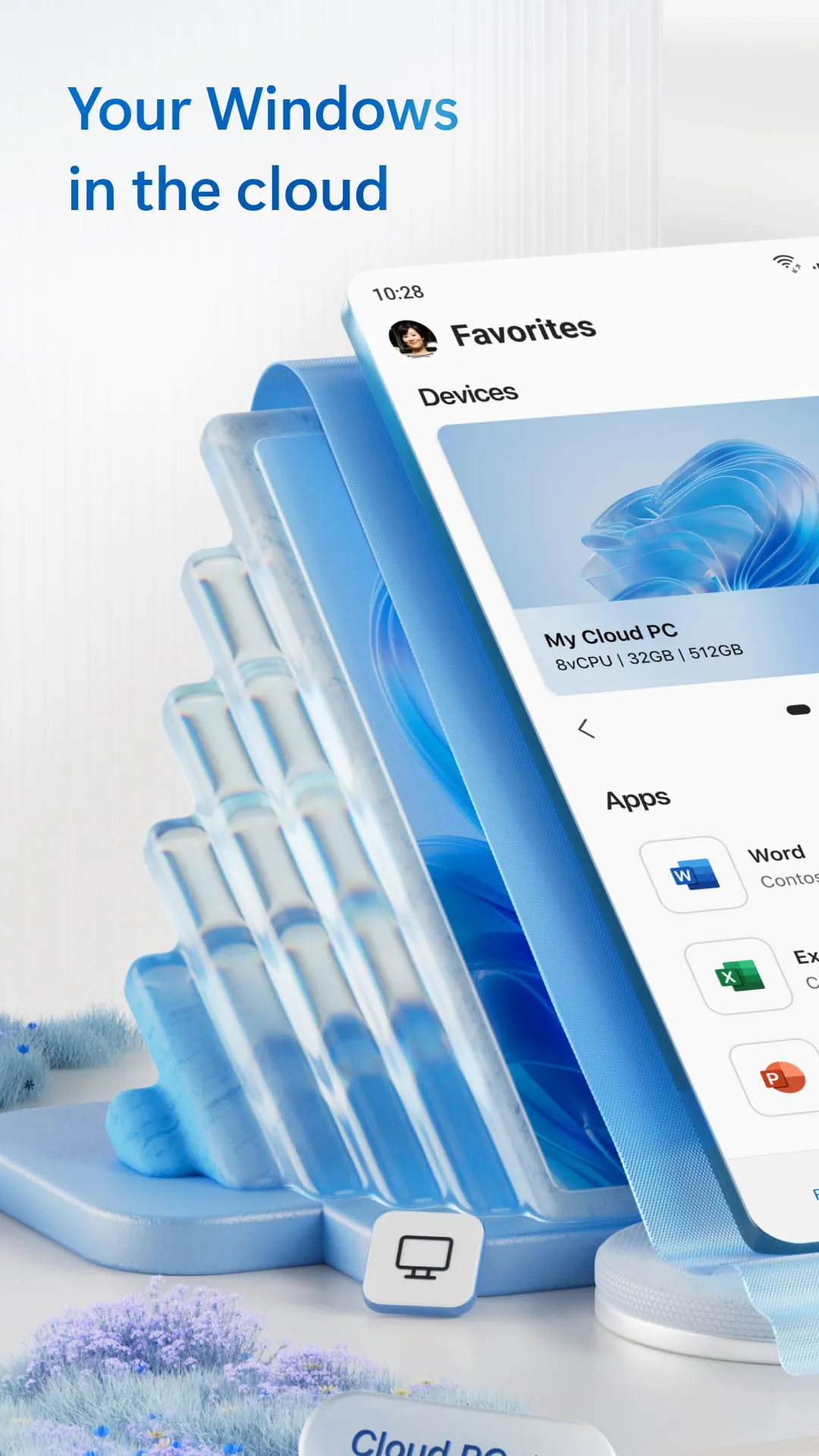
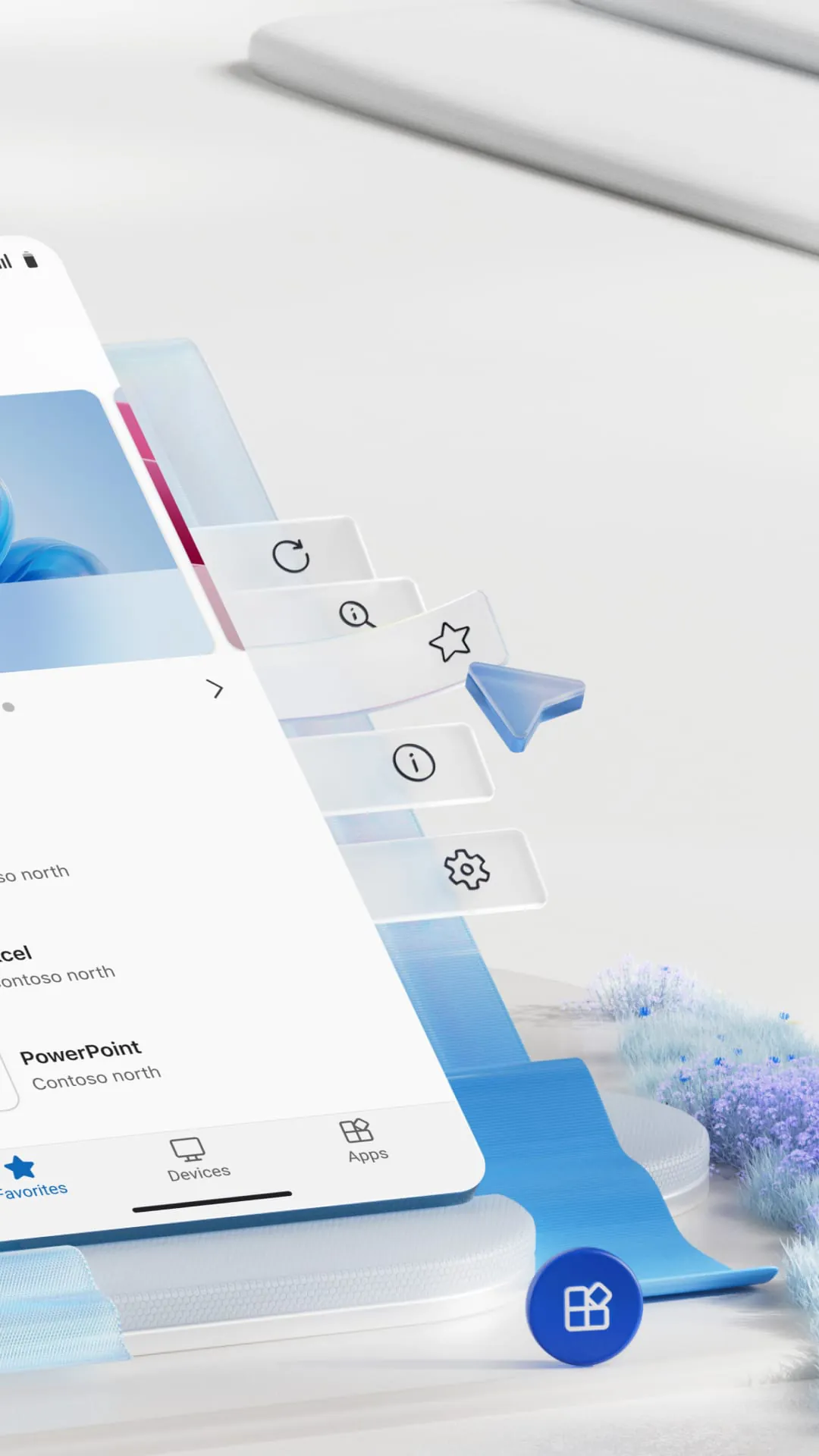
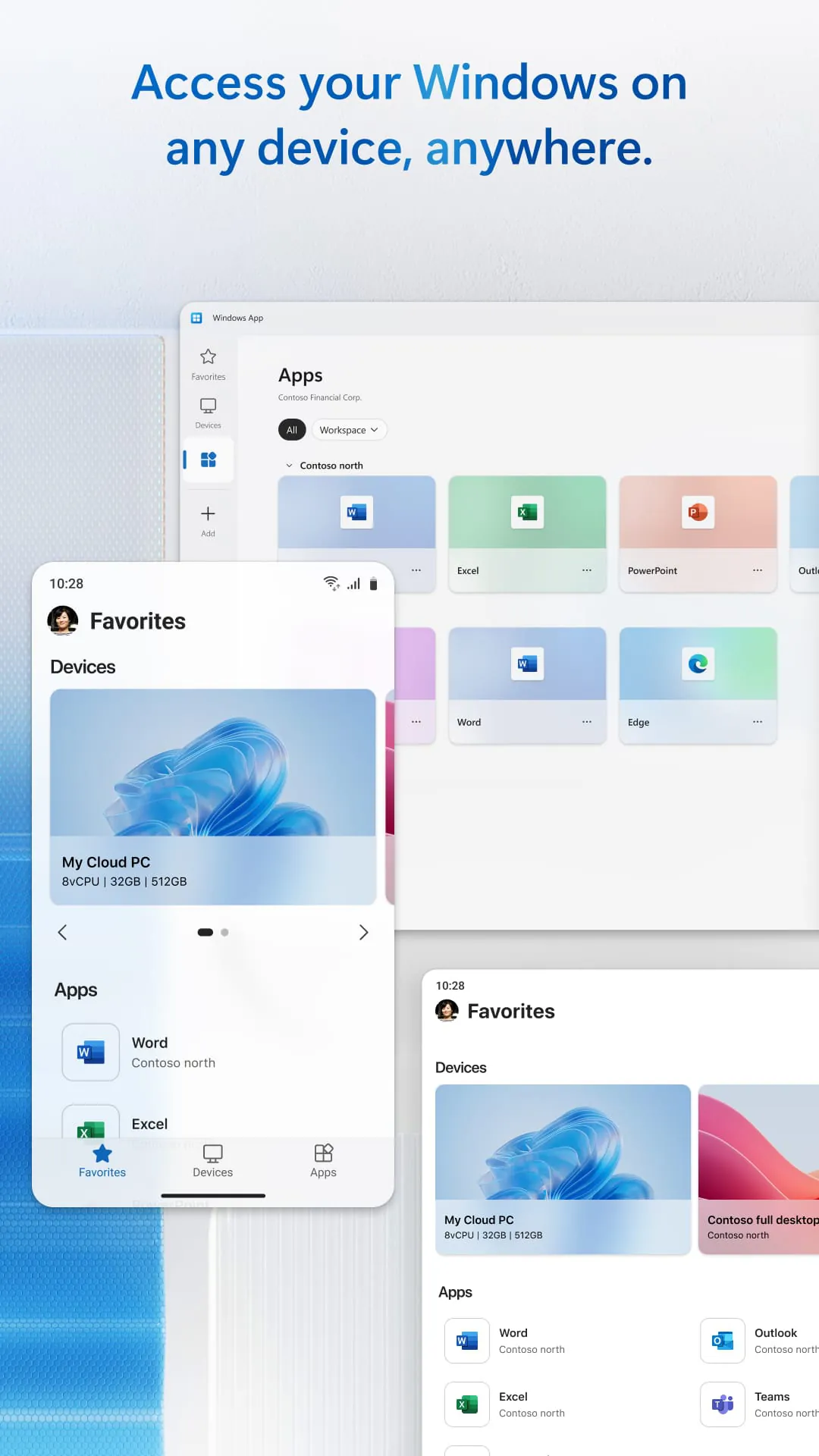
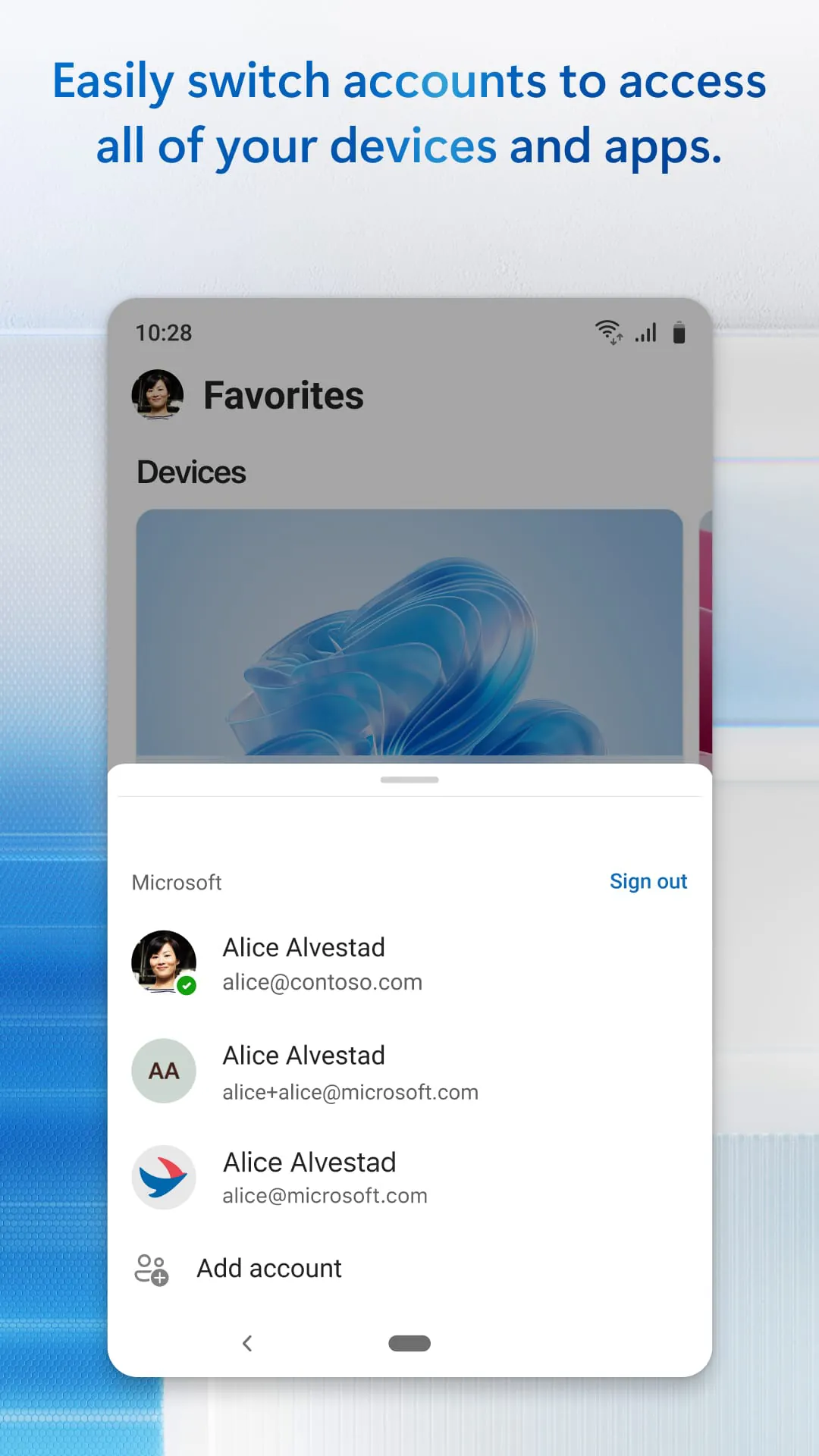
The Windows App is designed as a secure gateway, enabling users to connect to a variety of remote Windows environments. This includes Azure Virtual Desktop, Windows 365, Microsoft Dev Box, Remote Desktop Services, and even remote PCs. The application acts as a centralized hub, streamlining access to different virtualized and remote computing resources, making it easier for users to work and manage their resources from diverse locations and devices. It supports a broad range of devices that run on Android 11 and above. This ensures compatibility with modern tablets, smartphones, VR headsets, and Chromebooks that are compatible with applications from the Google Play Store. This wide device support enhances the app's versatility, allowing users to access their Windows environments from nearly any device they choose. The focus on security ensures that users can safely access their remote resources. This is particularly crucial for enterprise users who need to protect sensitive data while working remotely. The app simplifies the complexities of remote access by providing a unified and intuitive interface. Instead of using multiple apps or complex configurations, users can rely on the Windows App to handle the connections to their various remote Windows environments. This reduces the learning curve and support overhead for IT departments. Furthermore, the Windows App is designed to enhance productivity by providing a seamless remote experience. The app optimizes network connections and leverages device capabilities to ensure that remote applications run smoothly and are responsive. This allows users to work efficiently regardless of their location or the device they are using. Regular updates and feature additions are planned for the Windows App. These updates aim to incorporate new technologies and address user feedback to continuously improve the remote Windows experience. By staying current with the latest developments, the Windows App aims to remain a leading solution for remote access needs. The strategic goal of the Windows App is to provide a comprehensive and user-friendly solution for accessing remote Windows environments. The focus is on making remote access simple, secure, and efficient, empowering users to be productive from anywhere. This aligns with the growing trend of remote work and the increasing need for flexible access to computing resources. The app also reduces IT administrative burdens by centralizing the management of remote connections. This simplifies tasks such as user provisioning, security policy enforcement, and troubleshooting. The Windows App aims to be a valuable tool for both end-users and IT professionals.
The significance of the Windows App lies in its ability to consolidate multiple remote access solutions into a single application. This consolidation not only simplifies the user experience but also reduces the administrative overhead for IT departments. By supporting a wide range of Windows environments, including Azure Virtual Desktop and Windows 365, the app caters to diverse organizational needs. This flexibility makes it suitable for businesses of all sizes, from small startups to large enterprises. The app's compatibility with Android devices further enhances its accessibility. By supporting devices like tablets, smartphones, VR headsets, and Chromebooks, the Windows App ensures that users can access their remote Windows environments from virtually any device they choose. This device independence is particularly important in today's mobile-centric world. Security is a paramount concern in remote access, and the Windows App addresses this by incorporating robust security features. These features protect sensitive data and ensure that remote connections are secure. This allows organizations to confidently deploy the app without worrying about security breaches or data leaks. The user-friendly interface of the Windows App simplifies the process of connecting to remote resources. Users can quickly and easily access their virtual desktops, applications, and files without needing specialized technical skills. This ease of use promotes adoption and reduces the need for extensive training. The app optimizes network connections to provide a smooth and responsive remote experience. This optimization ensures that users can work efficiently, even when connected to low-bandwidth networks. This is particularly important for users who work from remote locations or travel frequently. The Windows App is designed to be scalable, allowing it to accommodate the needs of growing organizations. As an organization's remote access requirements evolve, the app can be easily scaled to meet those demands. This scalability ensures that the app remains a valuable asset over time. The ongoing development and updates to the Windows App demonstrate Microsoft's commitment to providing a leading-edge remote access solution. These updates incorporate new features, address user feedback, and ensure compatibility with the latest technologies. This continuous improvement ensures that the app remains relevant and valuable to its users.
The strategic vision behind the Windows App is to create a seamless and secure remote access experience that empowers users to be productive from anywhere. This vision aligns with the growing trend of remote work and the increasing need for flexible access to computing resources. By providing a unified platform for accessing various Windows environments, the app simplifies the complexities of remote access and reduces the burden on IT departments. The app's support for Azure Virtual Desktop and Windows 365 enables organizations to leverage the power of the cloud to deliver virtualized desktops and applications to their users. This cloud-based approach offers numerous benefits, including scalability, cost-effectiveness, and enhanced security. The app's compatibility with Android devices extends its reach to a wider audience. By supporting a range of devices, including tablets, smartphones, VR headsets, and Chromebooks, the Windows App ensures that users can access their remote resources from virtually any device they choose. The security features built into the Windows App provide peace of mind for organizations that are concerned about data protection. These features ensure that remote connections are secure and that sensitive data is protected from unauthorized access. The user-friendly interface of the Windows App makes it easy for users to connect to remote resources and access their virtual desktops and applications. This ease of use promotes adoption and reduces the need for extensive training. The app's optimization for network performance ensures that users can work efficiently, even when connected to low-bandwidth networks. This optimization is particularly important for users who work from remote locations or travel frequently. The Windows App is designed to be a comprehensive solution for remote access needs. By consolidating multiple remote access solutions into a single application, the app simplifies the user experience and reduces the administrative overhead for IT departments. The app also ensures that remote connections are secure, protecting sensitive data and ensuring compliance with security policies. This makes it a valuable tool for organizations of all sizes, from small businesses to large enterprises.