


V4.54.1

- Package Name
- io.yuka.android
- Version Name
- V4.54.1
- Version Code
- V4.54.1
- File Size
- 74.69 MB
- Update time
- 2025-12-23



by Yuka App
Scan food & cosmetic products and evaluate their impact on your health
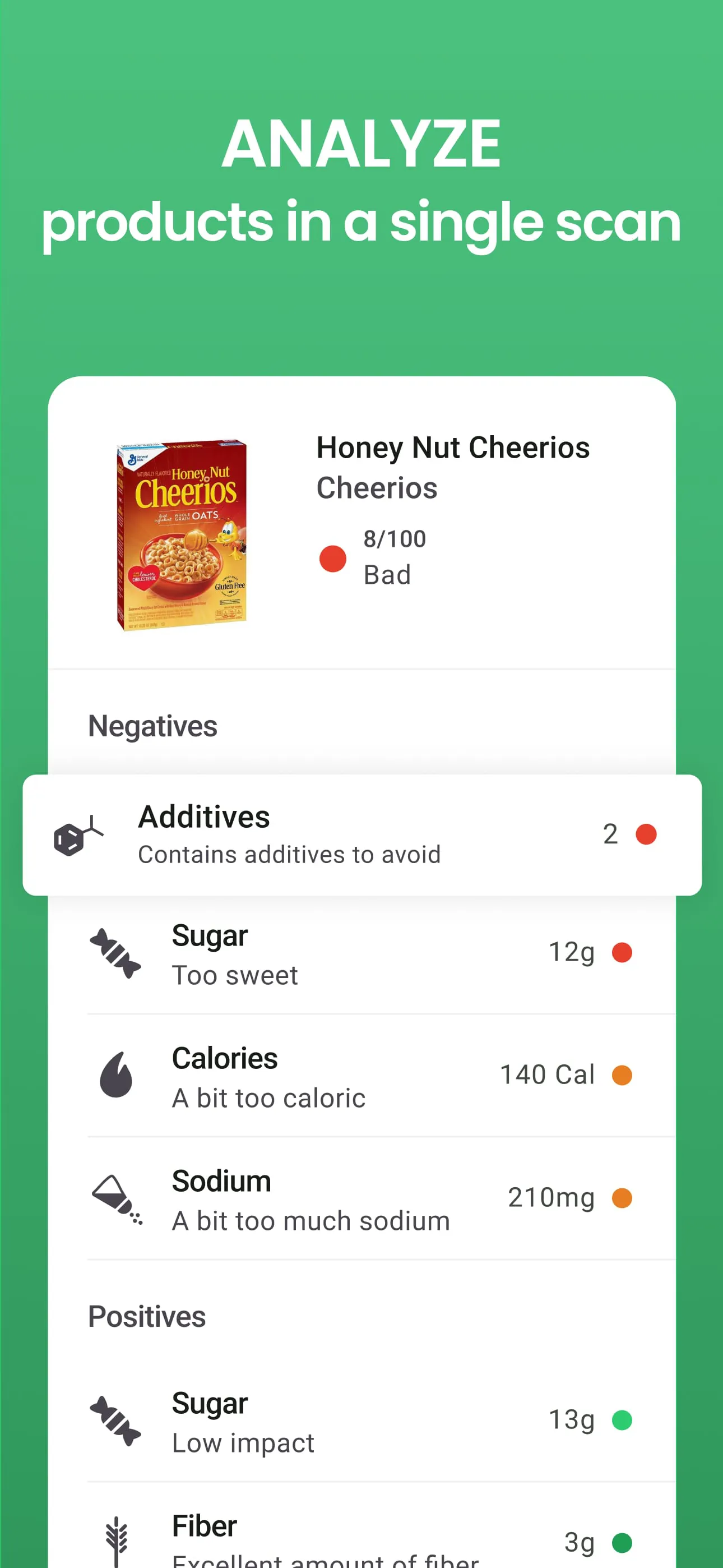
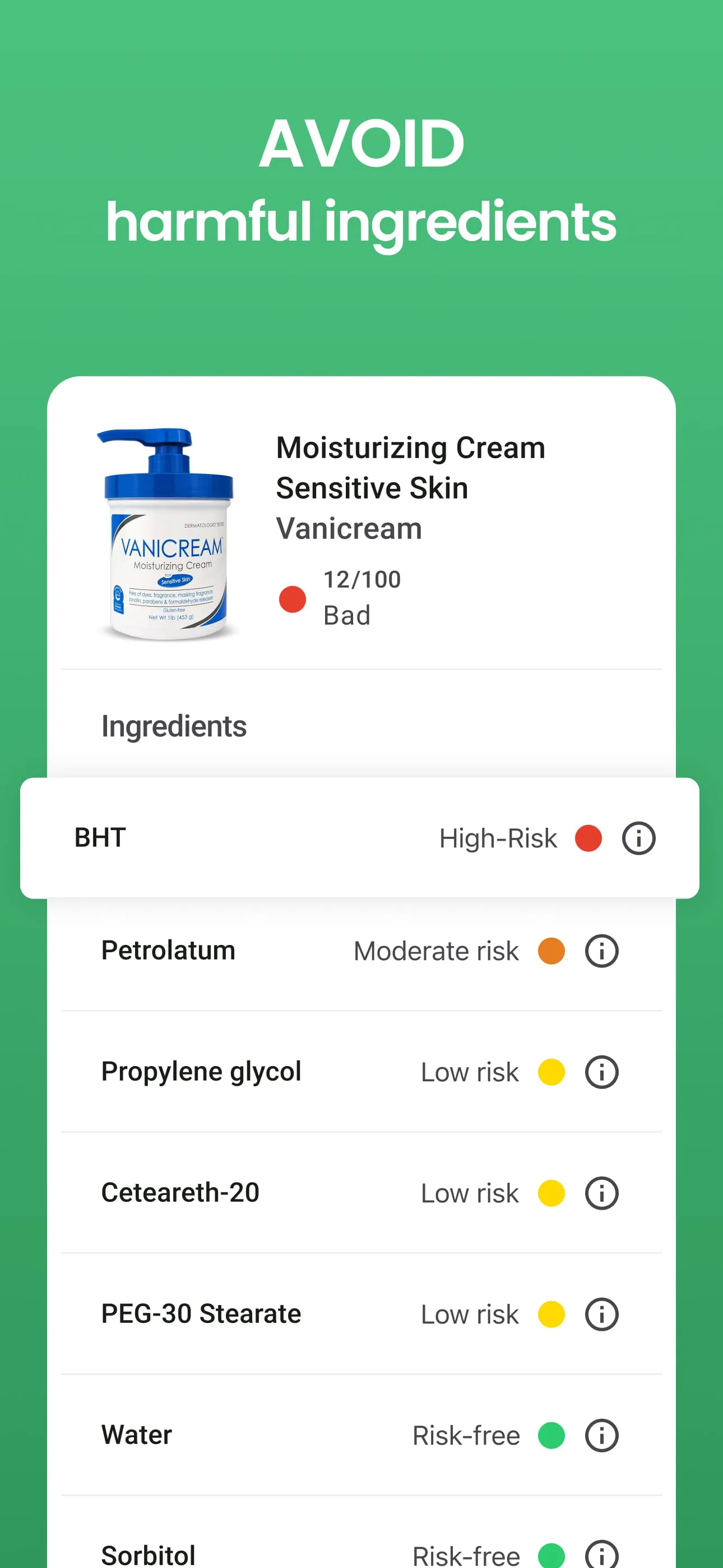
Yuka is a user-focused mobile application designed to empower consumers to make healthier choices by simply scanning the barcodes of food and cosmetic products. It analyzes the product's ingredients, provides an easy-to-understand health score, and offers detailed insights into potential health impacts, helping you understand exactly what you're putting into or on your body.
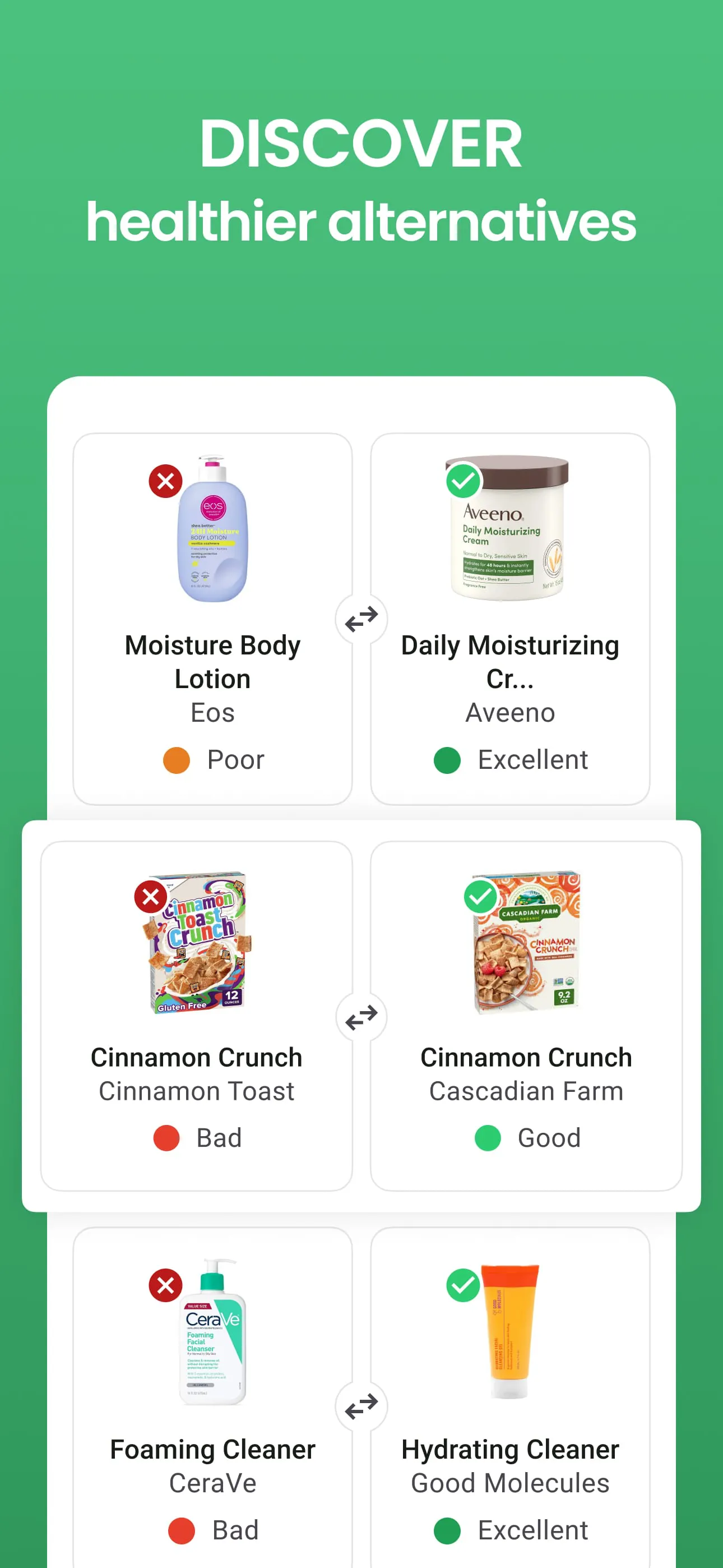
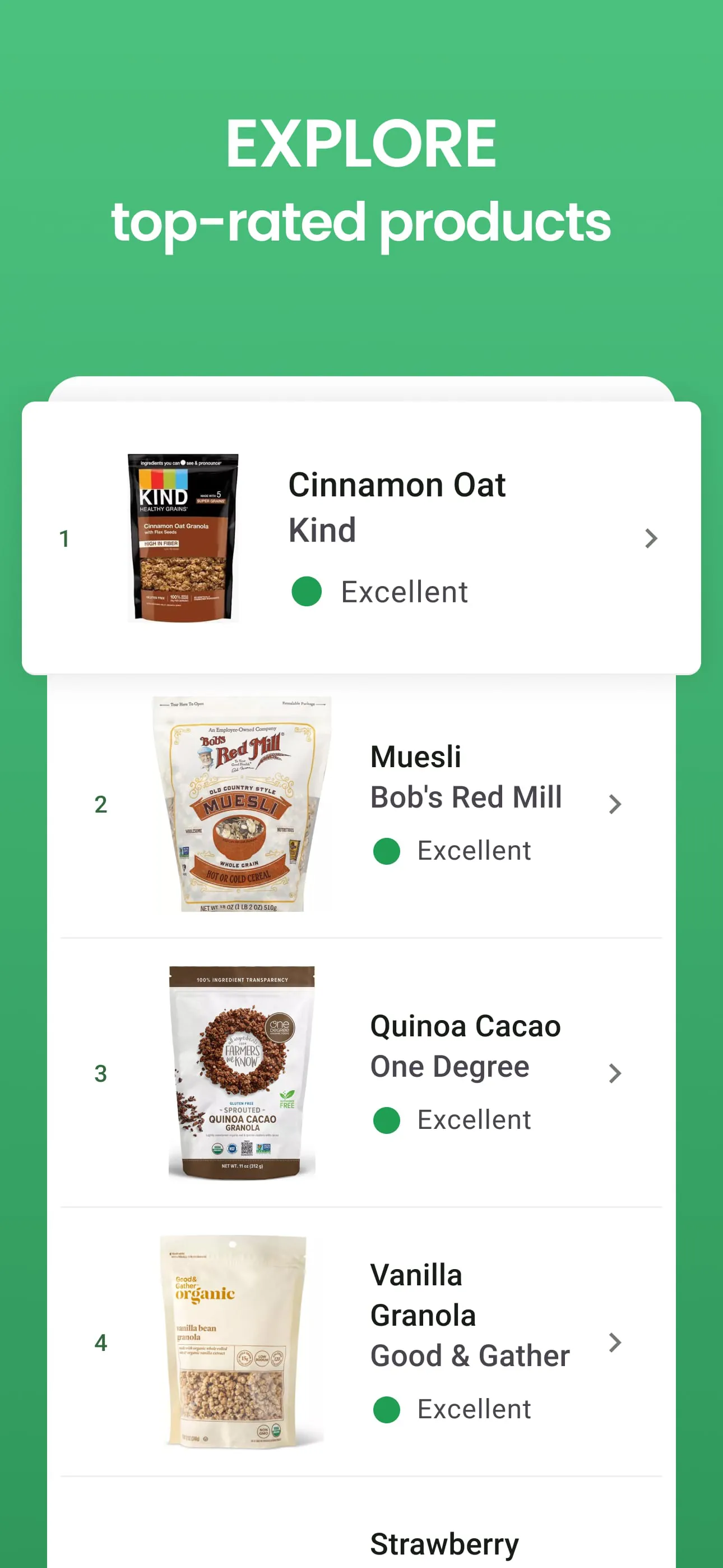
The app stands out through its comprehensive and user-centric approach to product analysis. It delves deep into the nutritional composition and additive content of everyday items. Its database is extensive, covering a wide range of supermarket goods. The interface is designed for instant clarity, presenting complex information through a simple color-coded score. Furthermore, it doesn't just highlight problems; it actively suggests healthier alternative products, guiding users toward better options.
Utilizing Yuka comes with significant advantages and a few considerations. On the positive side, it promotes remarkable transparency in an often-opaque industry, directly educating and empowering users. The scanning process is incredibly fast and intuitive, making it a seamless part of the shopping routine. The provision of alternative suggestions is a highly practical and appreciated feature for those looking to make changes.
However, the scoring system, while helpful, can sometimes oversimplify complex nutritional science. The app's coverage, though broad, may not include every regional or newly launched product, leading to occasional gaps. Some users also note that the analysis focuses heavily on specific additives, which is a particular philosophy of evaluation that may not align with all dietary perspectives.
Yuka operates through a set of core functions that work together to deliver its service. The primary action is the barcode scanner, which instantly identifies the product. Following a scan, the app performs a detailed analysis based on its proprietary algorithm, considering factors like:
It then compiles this data into a single overall score and a detailed breakdown page.
Click the button "Check All Versions" below to download and install it. Once installed, open the app and grant it necessary permissions like camera access for scanning. You can immediately start by pointing your phone's camera at the barcode of any food item or cosmetic in your home or at the store. The app will process the code, retrieve the product information, and display the health score along with a full explanation. You can browse the detailed analysis tabs and explore the list of suggested better alternatives if you wish to find a different product.
Get Yuka from an official store or available APK channel.
ZIP files require a Split APKs Installer (e.g., SAI) from Google Play to install. Steps: 1. Download SAI from Google Play; 2. Open SAI and tap "Install APKs"; 3. Select the ZIP file; 4. Complete installation.
The latest version currently listed by Appspicked is V4.29, with information updated on May 14, 2026. Versions may vary by device, region, or rollout schedule, so users should also check Google Play / App Store or announcements from Yuka App.
No website can guarantee that an app is completely risk-free. Appspicked recommends downloading Yuka only from an official app store or a verified channel operated by Yuka App. Before installing, confirm the developer name, package ID io.yuka.android, requested permissions, privacy policy, and download source.
Yuka may be unavailable because of regional restrictions, device incompatibility, account or age settings, a temporary removal, a name change, or because it has not been released for that platform. An Android package page does not necessarily mean that an iOS App Store version exists. Check Yuka App’s official website for current availability.
Use Google Play / App Store or another official download channel provided by Yuka App whenever possible. Appspicked provides app information and store links, but users should verify the destination domain and publisher before downloading or updating the app.
The information on Appspicked may represent the most recently indexed snapshot. App stores sometimes release updates gradually or display different versions according to region, device, operating system, or testing group. The official store listing should be treated as the final reference.
Yuka is listed for Android / iOS, with a reported minimum requirement of Not specified. Actual compatibility may also depend on the device model, region, available storage, hardware features, and installed system components.
The initial download may be free, but subscriptions, advertising, paid features, or in-app purchases may still apply. Prices and available purchases can vary by country and version. Check the payment information displayed by Google Play / App Store before completing a transaction.
Check the network connection, storage space, operating-system version, account region, and device compatibility. Restart the device and try again through the official store. If the problem continues, consult the support resources provided by Yuka App.









