


V2.8.2

- Package Name
- com.zoho.mail
- Version Name
- V2.8.2
- Version Code
- V2.8.2
- File Size
- 37.38 MB
- Update time
- 2025-3-11



by Zoho Corporation
Zoho Mail - Email, Calendar, Contacts and Files on the move!
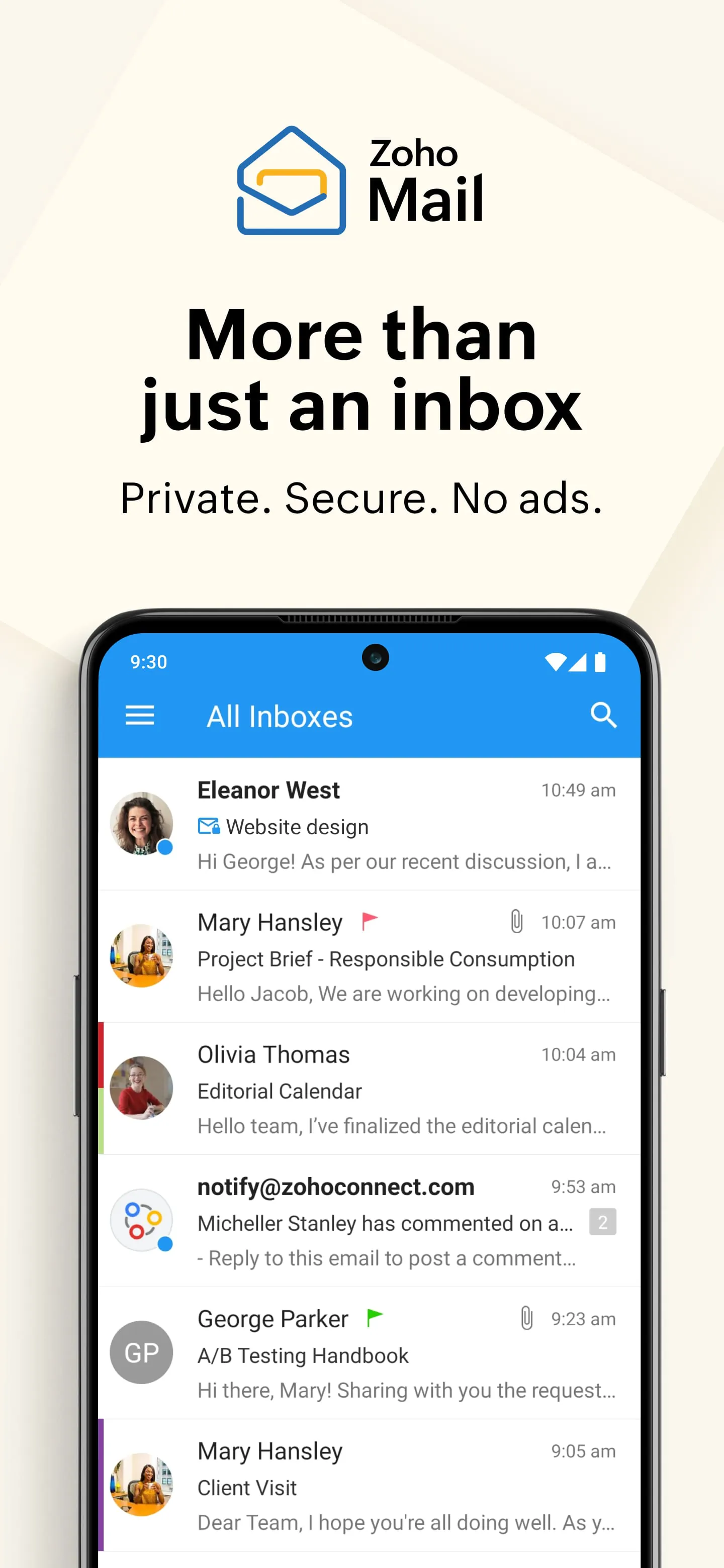
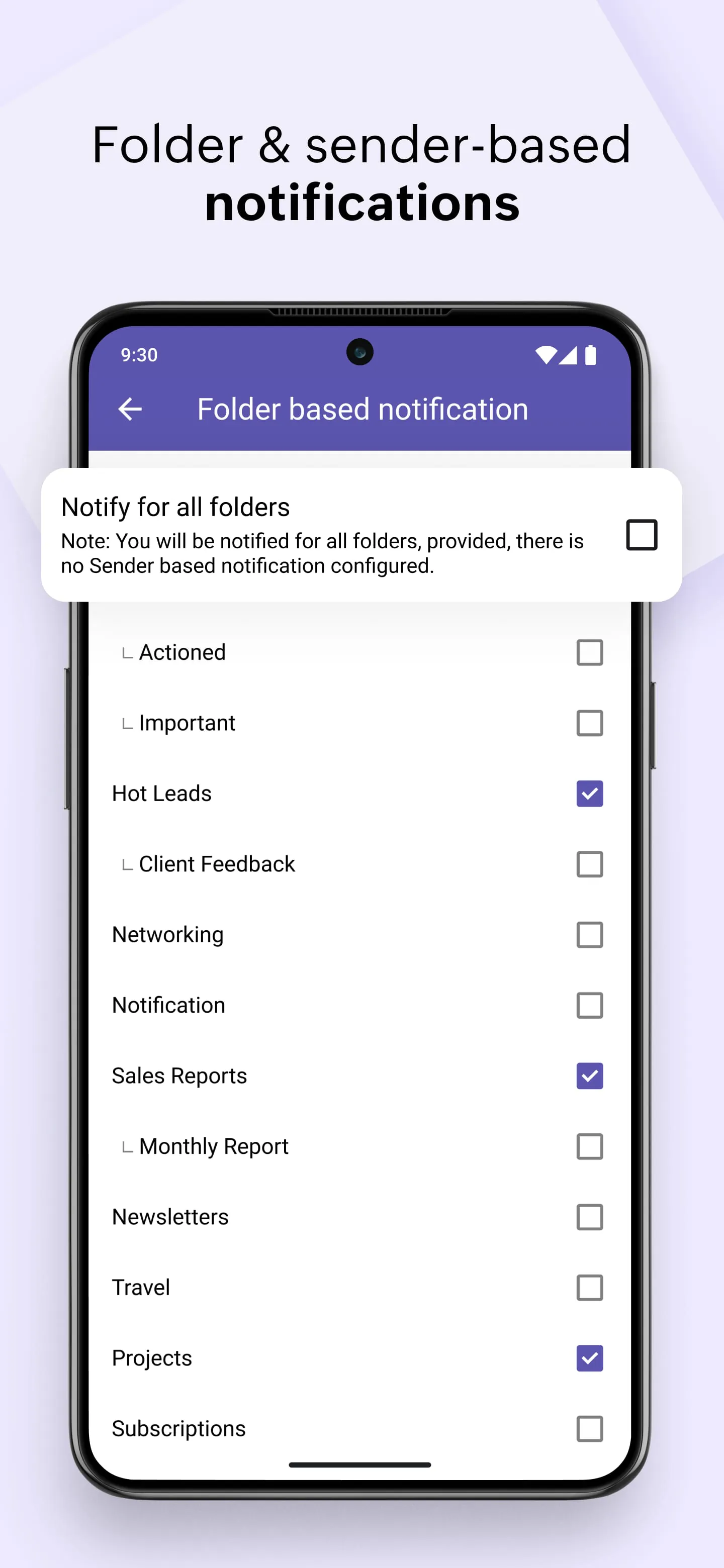
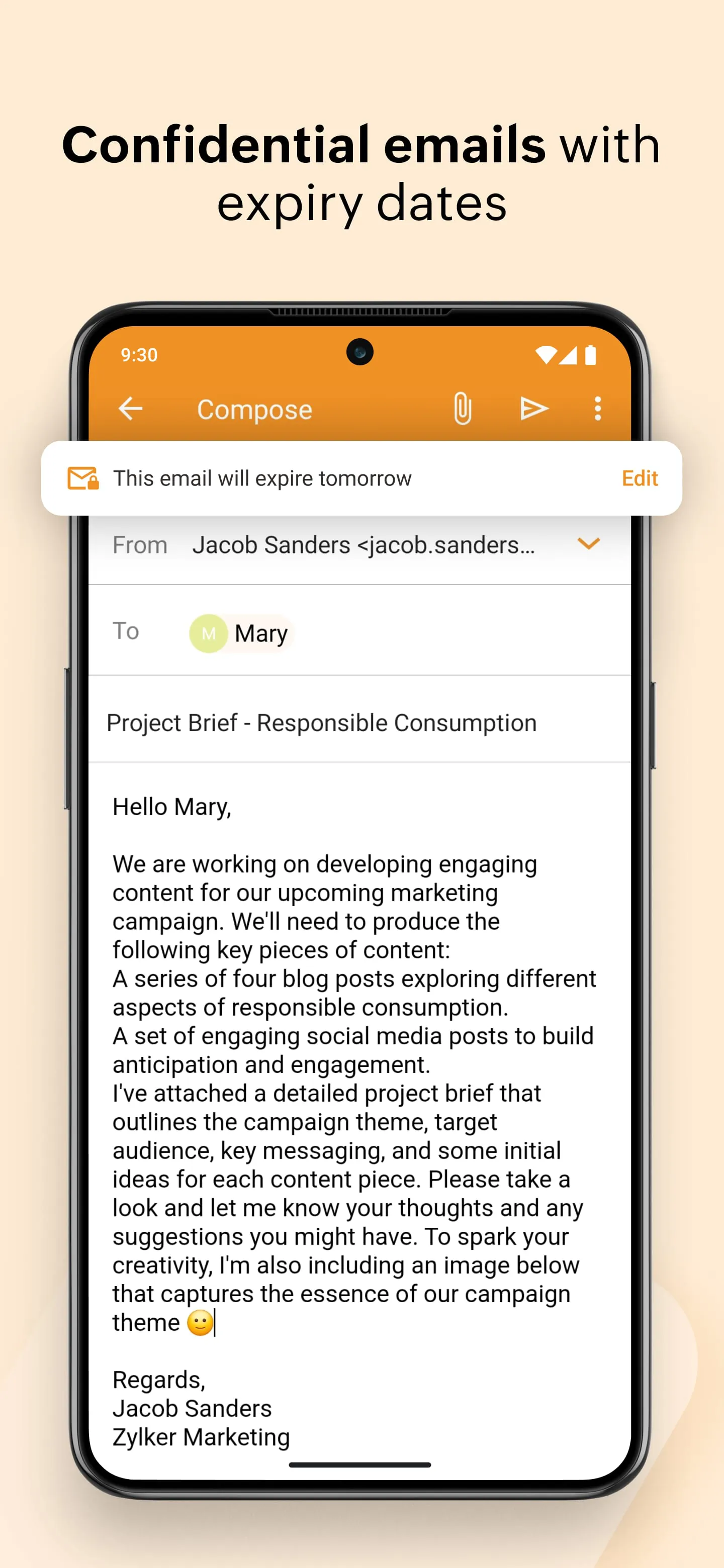
Zoho Mail is a professional business email hosting service from the software company Zoho, offering a secure, ad-free email experience deeply integrated with the wider suite of Zoho productivity and collaboration applications. It is designed primarily for organizations and businesses, providing custom domain email addresses, robust administrative controls, and a clean, focused interface to enhance workplace communication and efficiency.
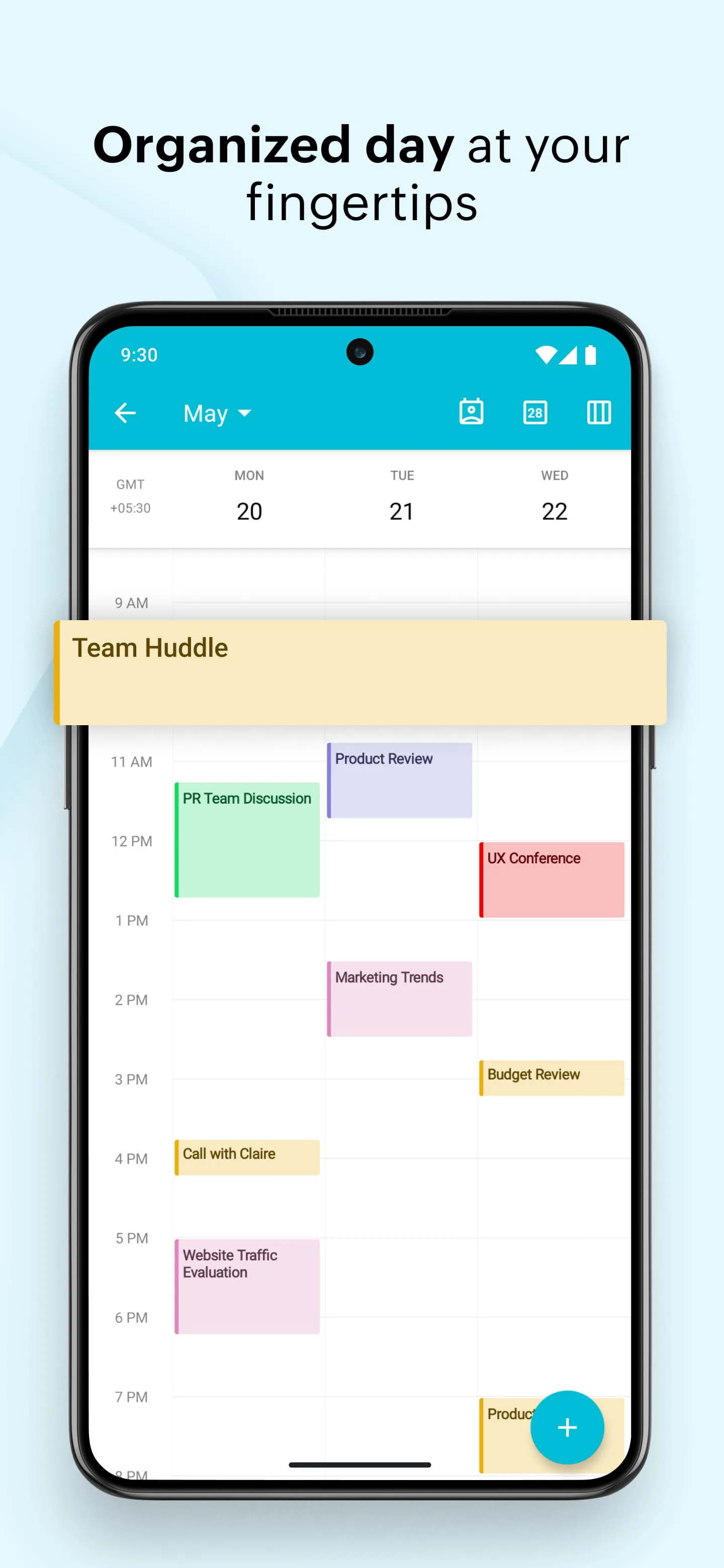
Zoho Mail distinguishes itself with a strong emphasis on security, organization, and seamless workflow integration. It operates without scanning user emails for ad targeting, ensuring privacy. A standout aspect is its native integration with tools like Zoho Calendar, Zoho Cliq, and Zoho Docs, creating a unified work platform. Key features also include:
Choosing an email service involves weighing its advantages against potential limitations. Zoho Mail offers a compelling package for teams, but it's important to consider both sides.
Beyond basic email sending and receiving, Zoho Mail functions as a centralized hub for team coordination and information management. Its functionality extends into several core areas of business communication. Key functions include secure team messaging via integrated chat, scheduling and managing meetings with shared calendars, collaborating on documents stored directly within the platform, and automating email organization with filters and rules. Administrators have powerful functions for managing users, setting security policies, and auditing mailbox activity to maintain organizational standards.
Click the button "Check All Versions" below to download and install it. To begin using Zoho Mail, you first need to sign up for an account, either for an organization or a personal plan. The next critical step is to verify and configure your custom domain name through Zoho's administrative control panel, which involves updating DNS records with your domain registrar. Once configured, you can start adding users, creating email groups, and setting up security measures like two-factor authentication. You can access your inbox through the webmail portal or configure it with desktop or mobile email clients. Exploring the left sidebar will give you access to all integrated apps like Calendar, Tasks, and Notes, allowing you to manage your entire workflow from a single, organized environment.
Get Zoho Mail from an official store or available APK channel.
ZIP files require a Split APKs Installer (e.g., SAI) from Google Play to install. Steps: 1. Download SAI from Google Play; 2. Open SAI and tap "Install APKs"; 3. Select the ZIP file; 4. Complete installation.
The latest version currently listed by Appspicked is V2.8.2, with information updated on May 19, 2026. Versions may vary by device, region, or rollout schedule, so users should also check Google Play or announcements from Zoho Corporation.
No website can guarantee that an app is completely risk-free. Appspicked recommends downloading Zoho Mail only from an official app store or a verified channel operated by Zoho Corporation. Before installing, confirm the developer name, package ID com.zoho.mail, requested permissions, privacy policy, and download source.
Zoho Mail may be unavailable because of regional restrictions, device incompatibility, account or age settings, a temporary removal, a name change, or because it has not been released for that platform. An Android package page does not necessarily mean that an iOS App Store version exists. Check Zoho Corporation’s official website for current availability.
Use Google Play or another official download channel provided by Zoho Corporation whenever possible. Appspicked provides app information and store links, but users should verify the destination domain and publisher before downloading or updating the app.
The information on Appspicked may represent the most recently indexed snapshot. App stores sometimes release updates gradually or display different versions according to region, device, operating system, or testing group. The official store listing should be treated as the final reference.
Zoho Mail is listed for Android, with a reported minimum requirement of Not specified. Actual compatibility may also depend on the device model, region, available storage, hardware features, and installed system components.
The initial download may be free, but subscriptions, advertising, paid features, or in-app purchases may still apply. Prices and available purchases can vary by country and version. Check the payment information displayed by Google Play before completing a transaction.
Check the network connection, storage space, operating-system version, account region, and device compatibility. Restart the device and try again through the official store. If the problem continues, consult the support resources provided by Zoho Corporation.









